
NeedPSAi

Smart AI photo editing
Upload. Ask. Done.

Remove and add people, change anything, erase objects, restore old photos and upscale to 4K, with technology built to preserve faces, backgrounds and your original resolution

Download on the App StoreGet it on Google PlayDownload from the Microsoft Store
✅No subscription needed
🎁3-day free trial
🌍Type in any language
📱iPhone and Android
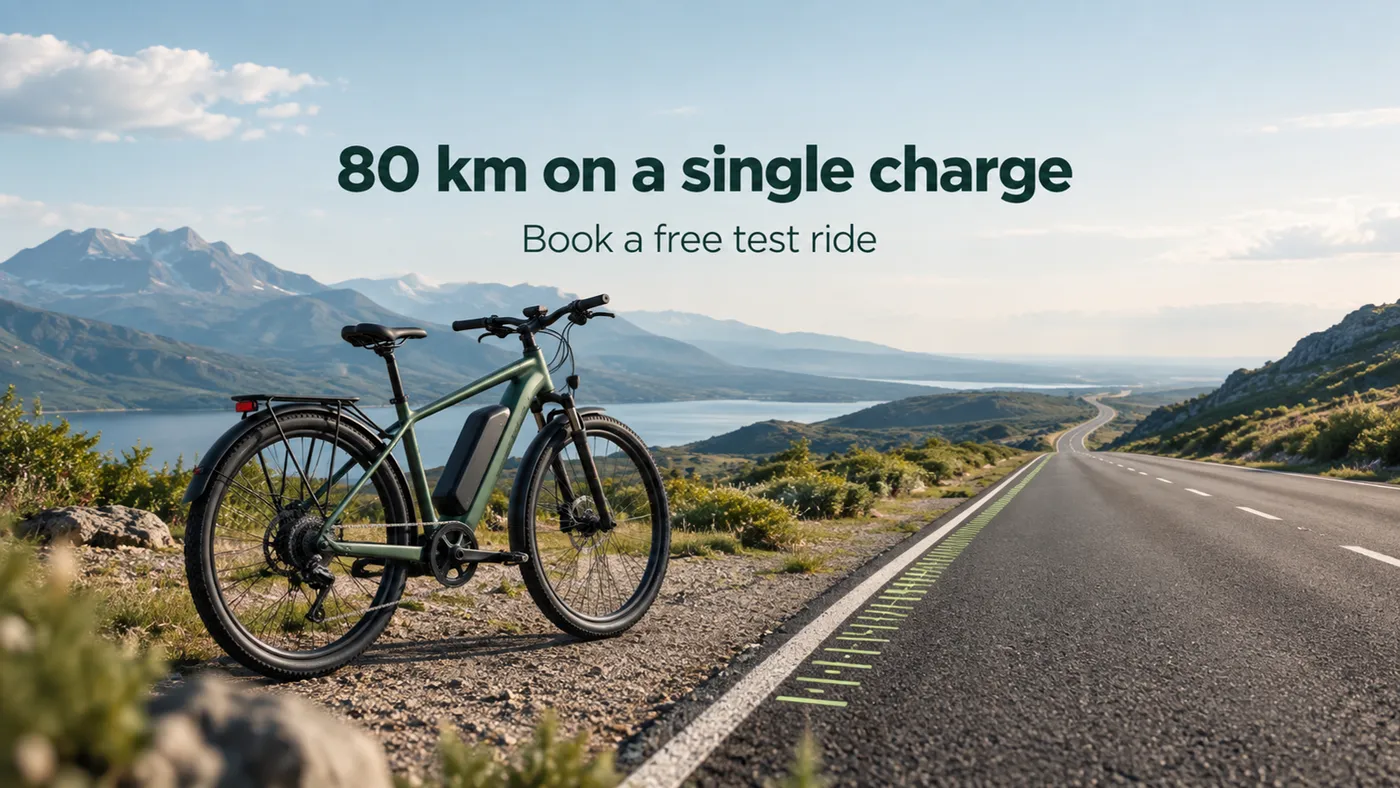
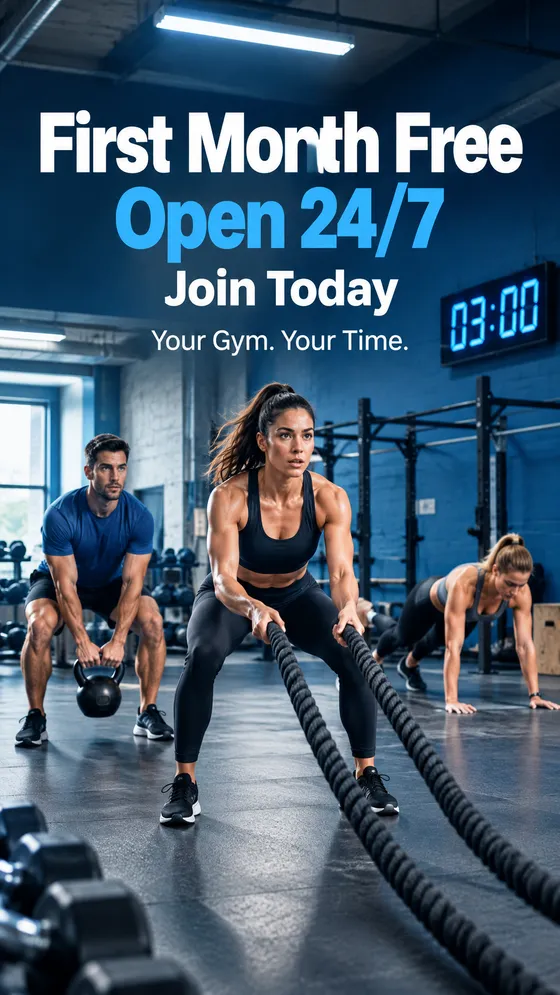
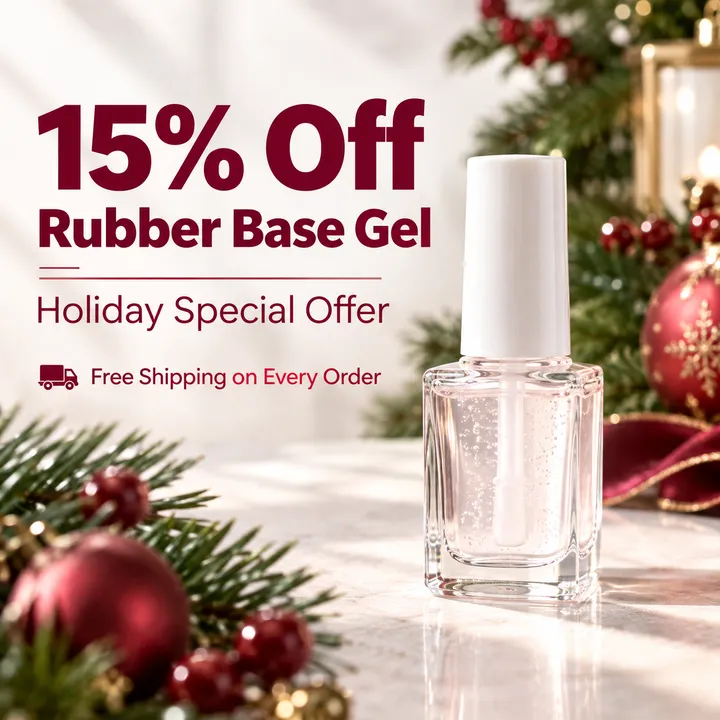
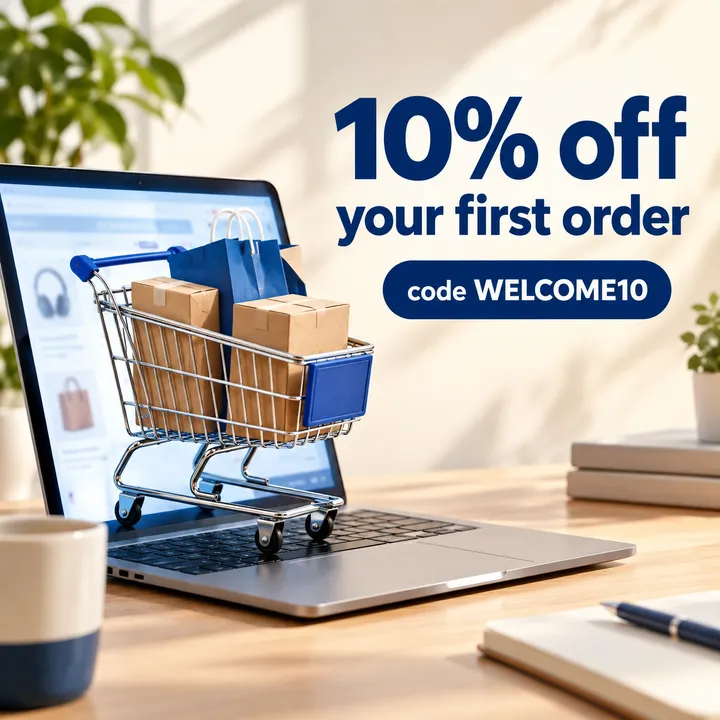
8 toolsfor editing photos, in one appPlus Create: a finished graphic from one sentence
All the tools in one place

8 smart tools.
Zero Photoshop skills.

Type what you want, in any language, and get a world-class result

Remove a person

Type who should go and they disappear: the background is rebuilt as if they were never there

Add a person

Add someone new to the photo, blended into the lighting, camera angle and style of the scene

Change anything

Swap an object, an accessory, a color or an item just by describing it in words

Erase an object

A trash can, a sign, a car or a stain: mark it and it is gone. The background fills itself in

Sharpen and 4K

A blurry or old photo gets the sharpness and resolution of a professional camera

Restore old photos

Scratches, fading and black-and-white become a sharp color photo, true to the original

Premium

Visualize

A garden, a renovation or an interior design becomes a realistic image, right on the photo of your own home

Premium

Try on clothes

Upload a photo of a garment and try it on the person in your picture, before you buy

Before and after

Drag the slider
and see what one sentence can do

Every result here came straight out of the tools. No Photoshop, no manual retouching.
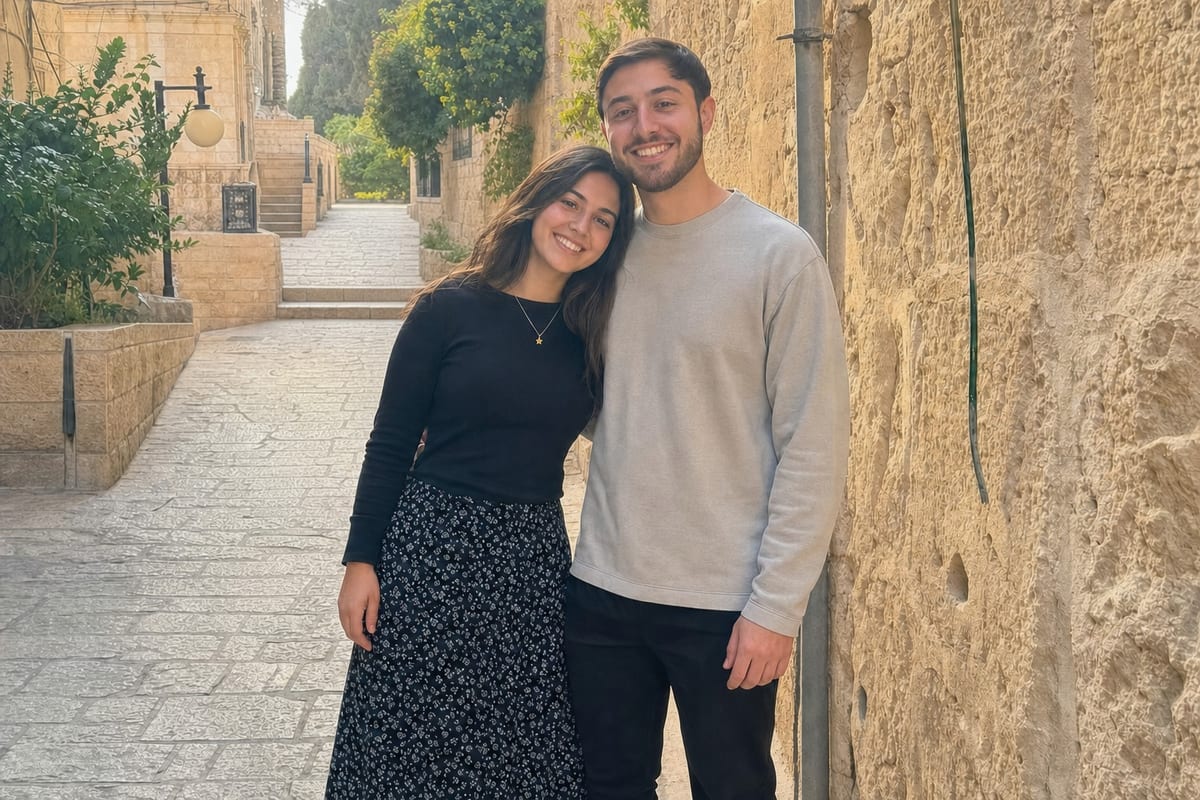
Remove a person
AfterBefore
⇔
AfterBefore

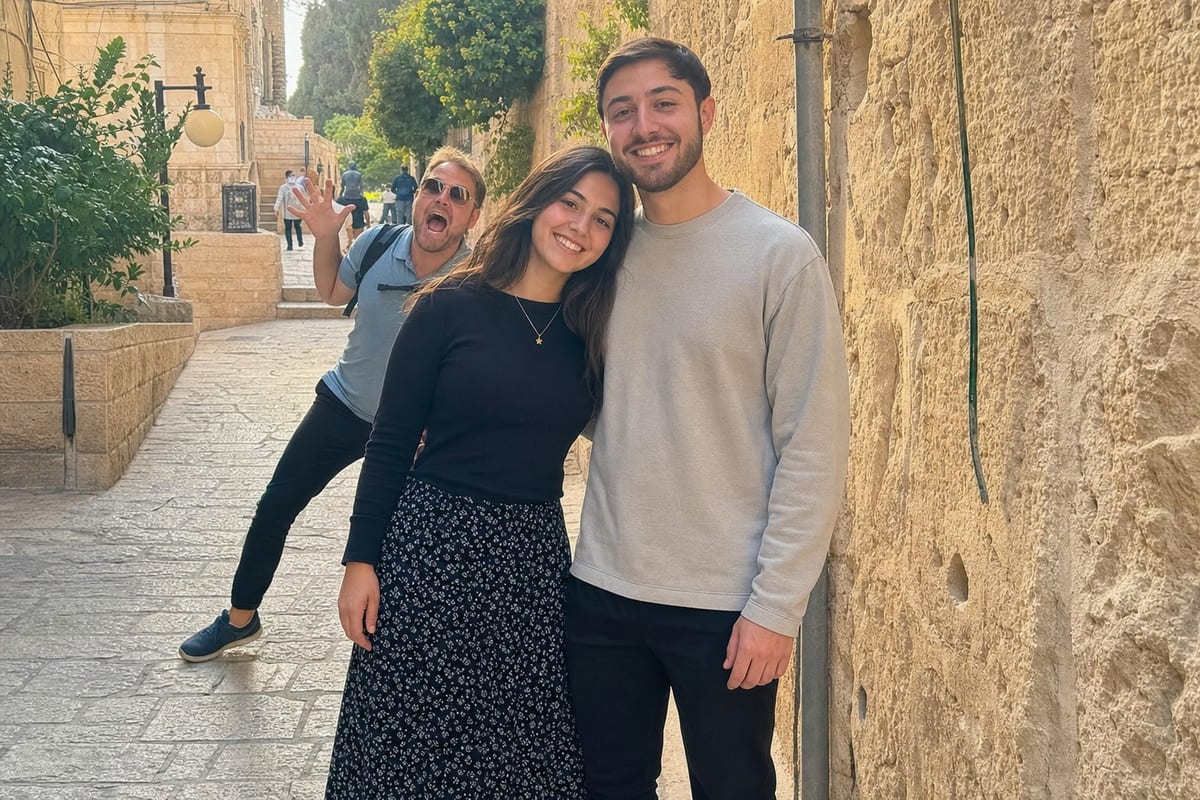
A stranger walked into your shot? Type who to remove, in any language, and they are gone, as if they were never there
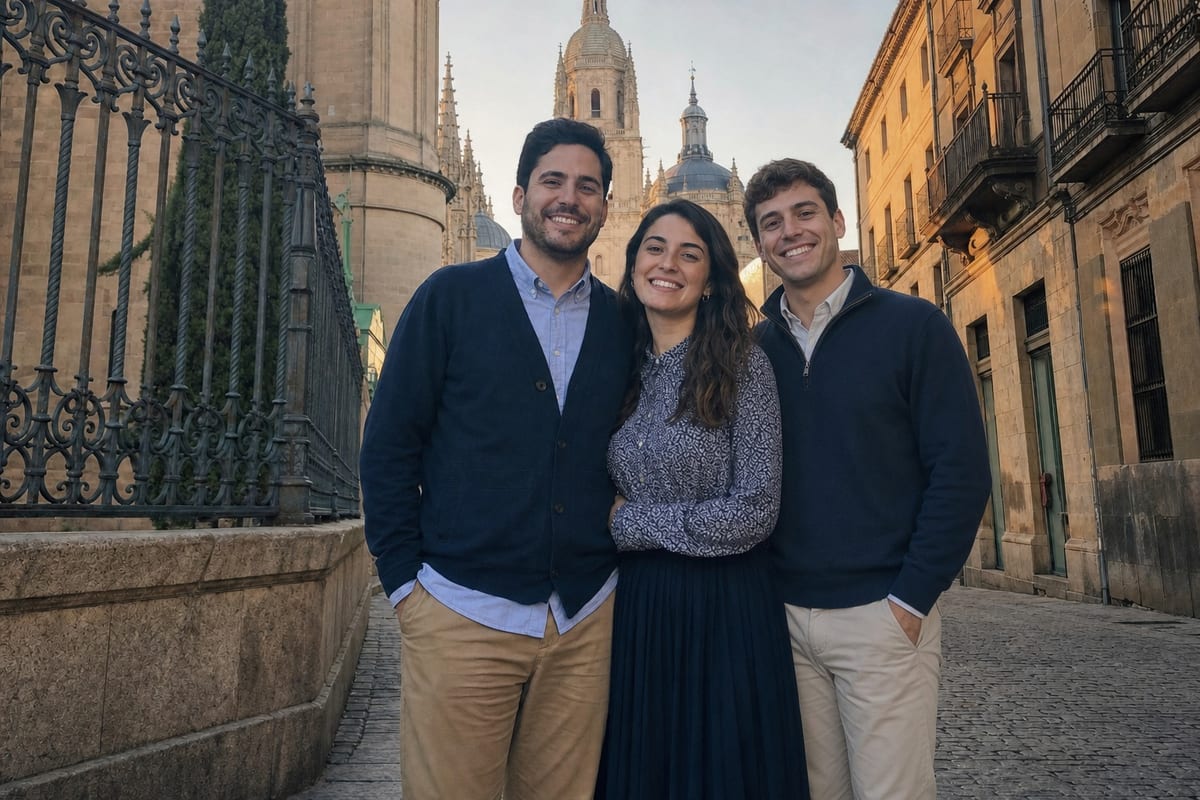
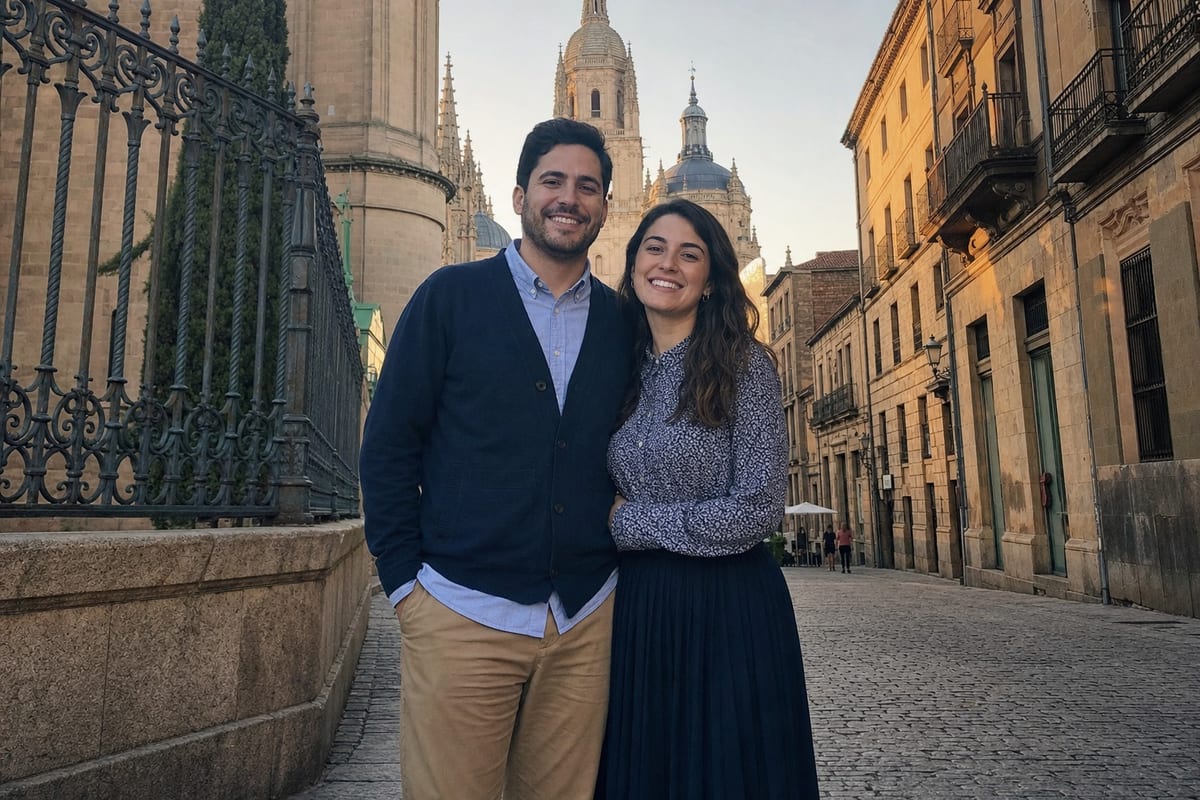
Add a person
AfterBefore
⇔
AfterBefore

A new person joins the photo and blends into the lighting and camera angle, while the people already in it are preserved
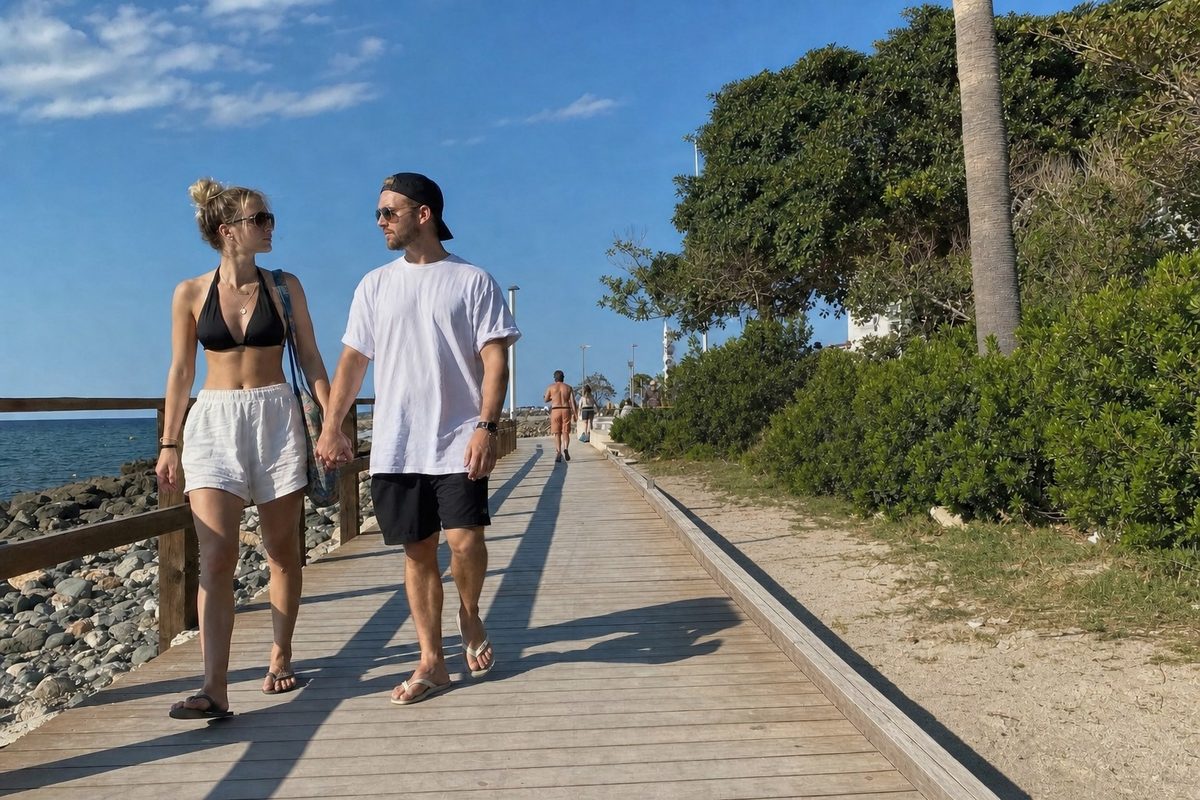
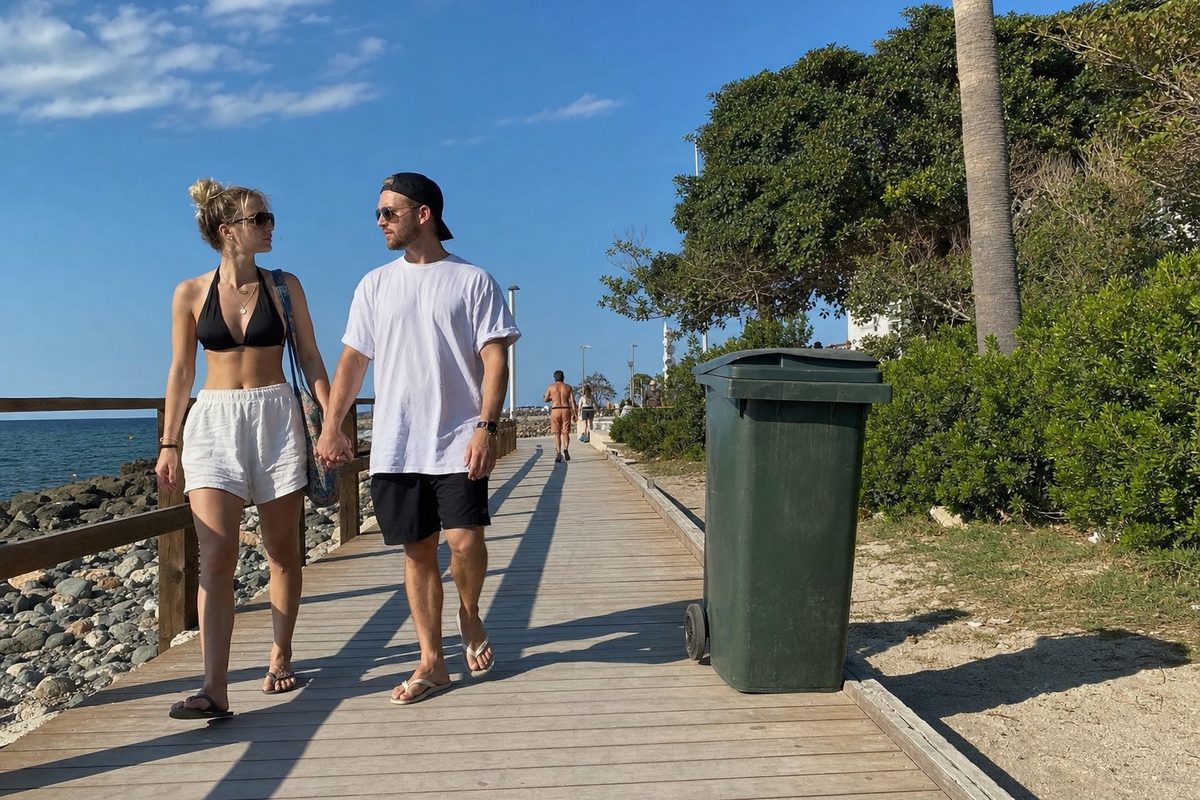
Erase an object
AfterBefore
⇔
AfterBefore

The trash can that ruined your photo? Gone, and the background fills itself in, as if it was never there
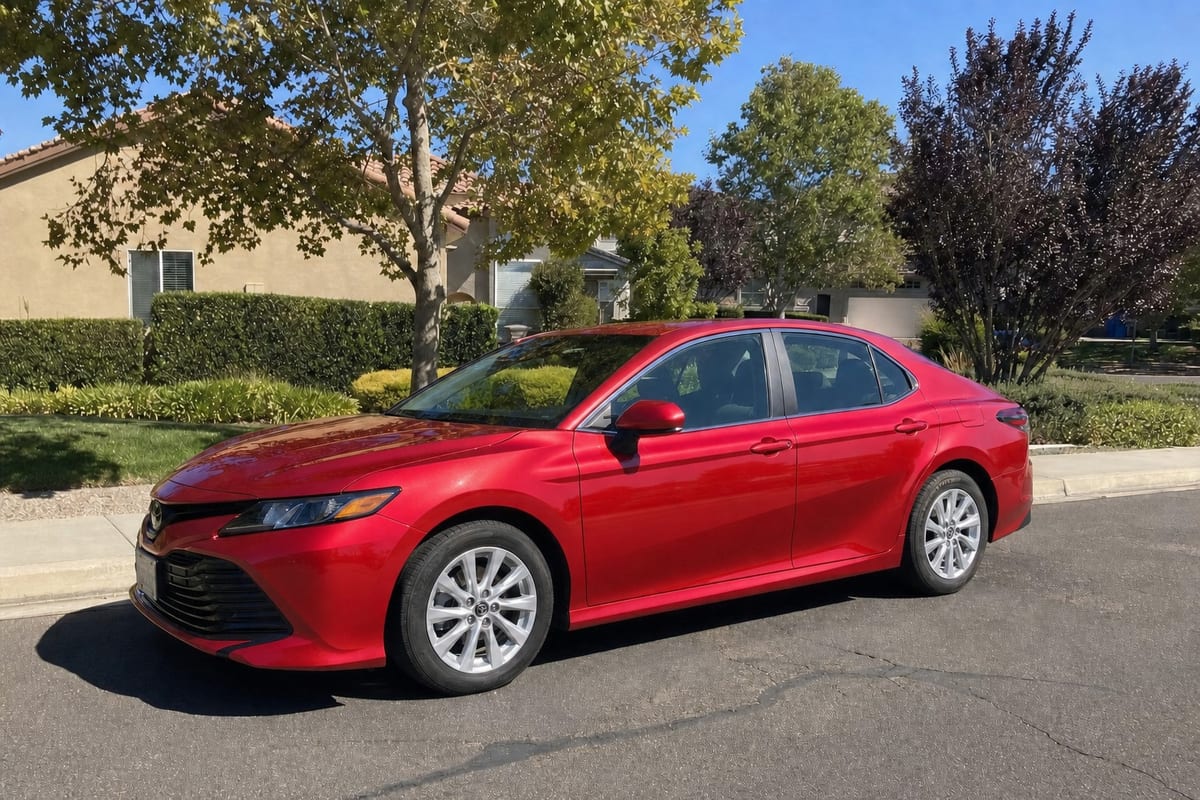
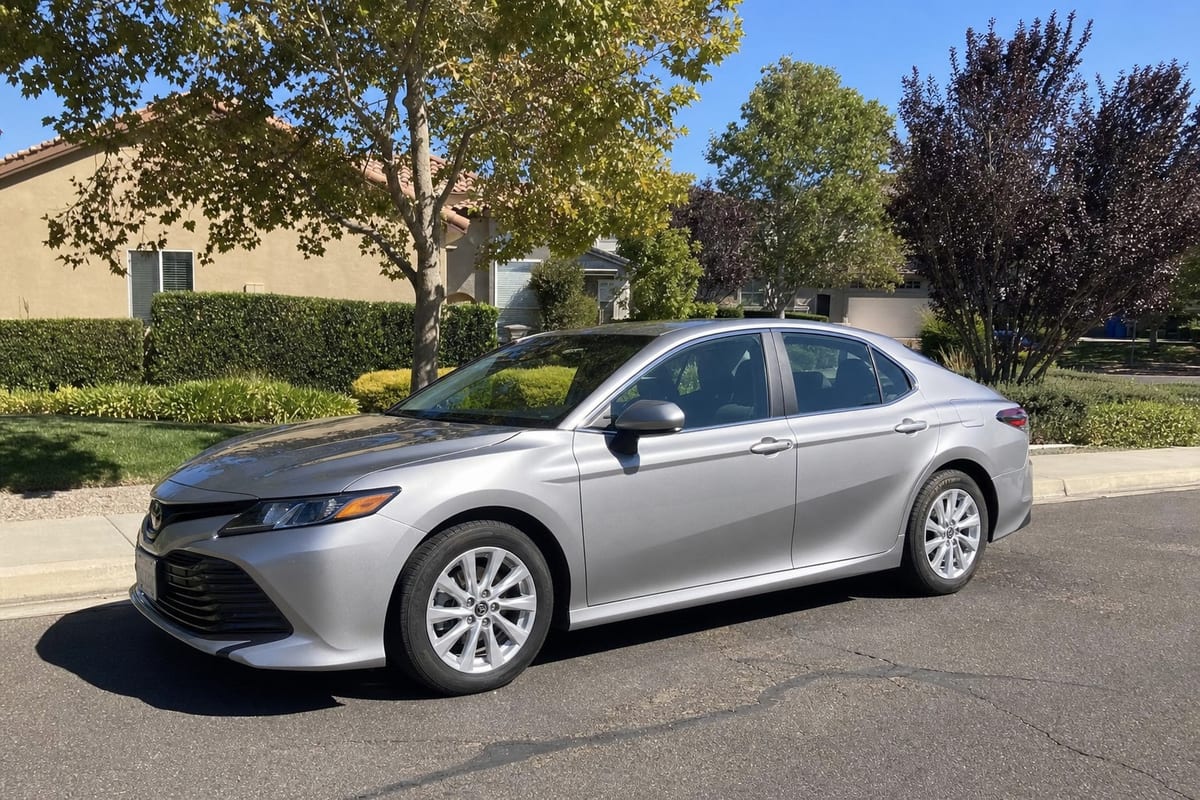
Change anything
AfterBefore
⇔
AfterBefore

Swap objects, accessories, colors and items in one sentence, while the rest of the photo is left alone
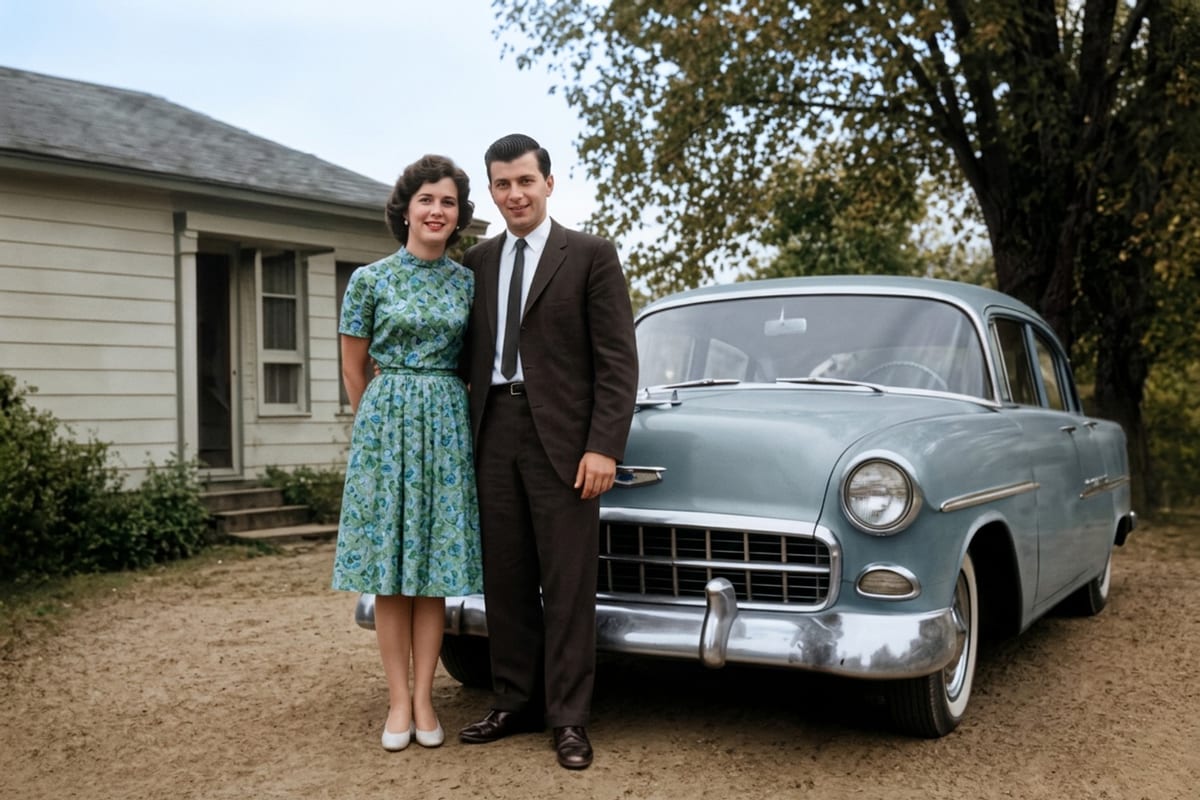
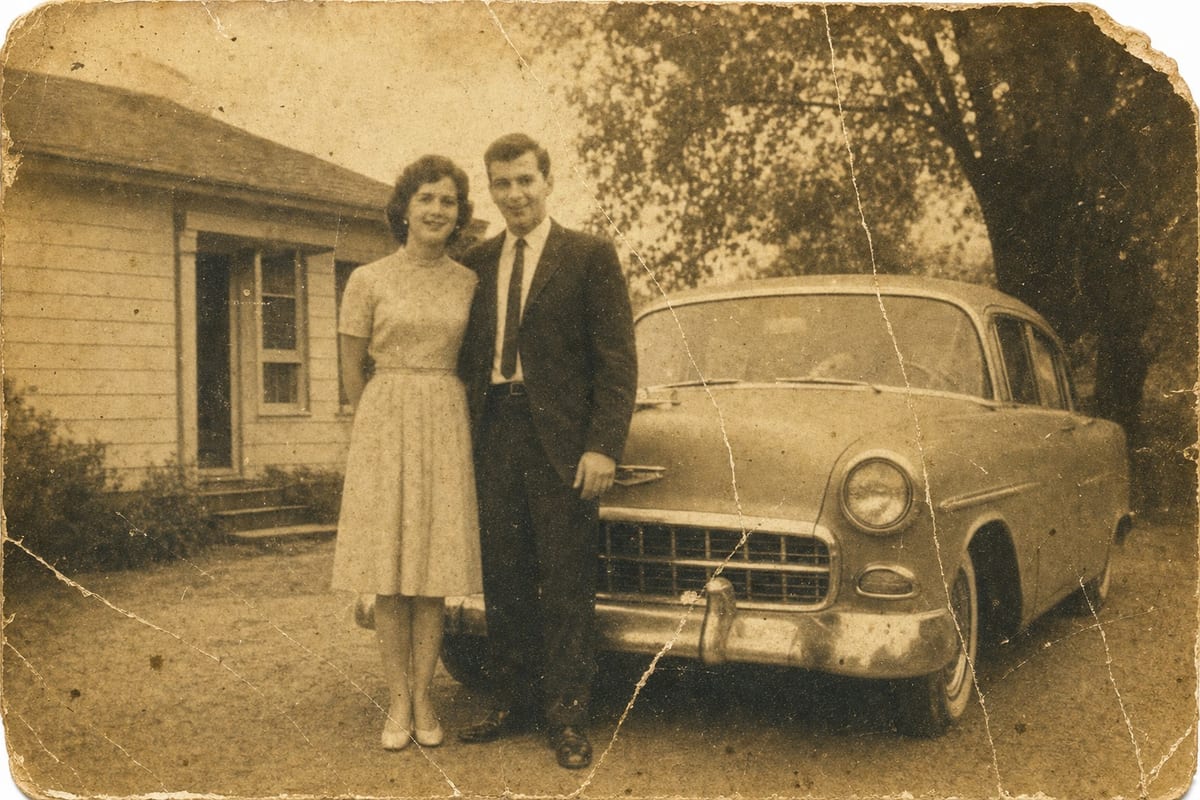
Restore old photos
AfterBefore
⇔
AfterBefore

A torn, faded 60-year-old photo comes back to life: full color, sharp detail, and the faces preserved
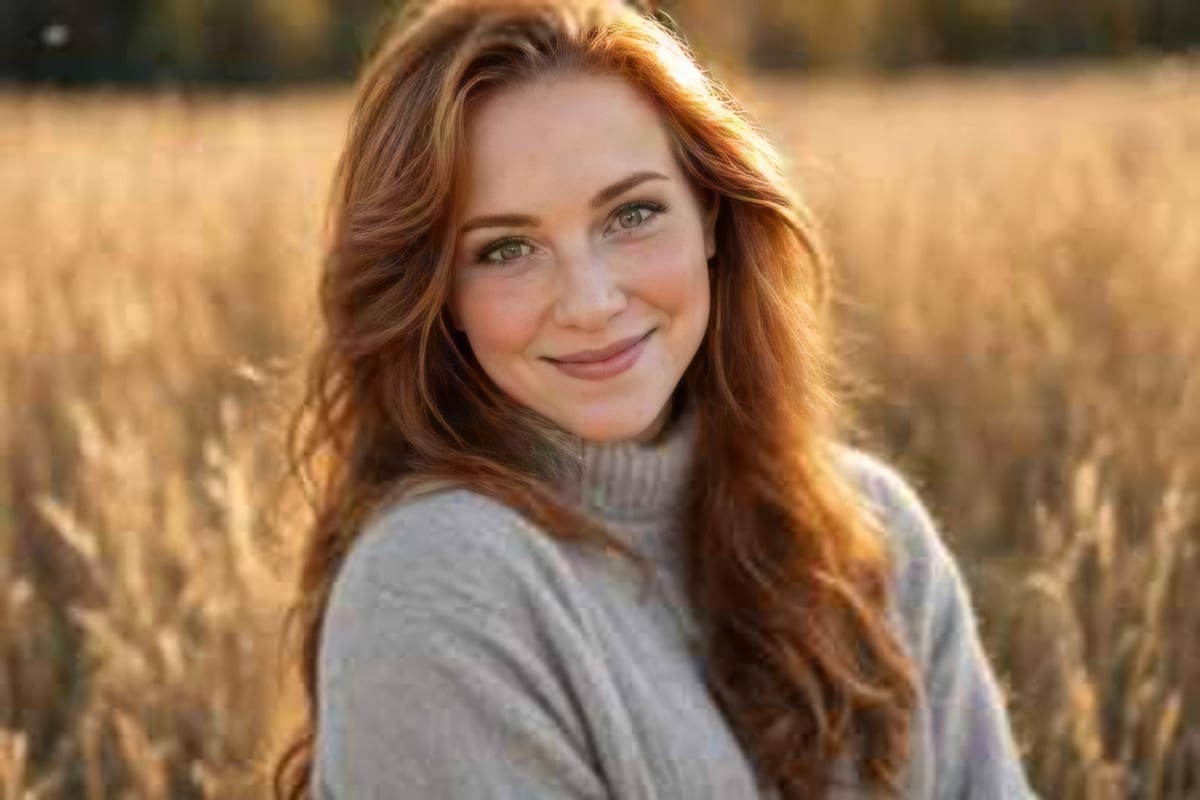
Sharpen and 4K
AfterBefore
⇔
AfterBefore

A blurry, pixelated photo gets the sharpness and detail of a professional camera, down to the last hair
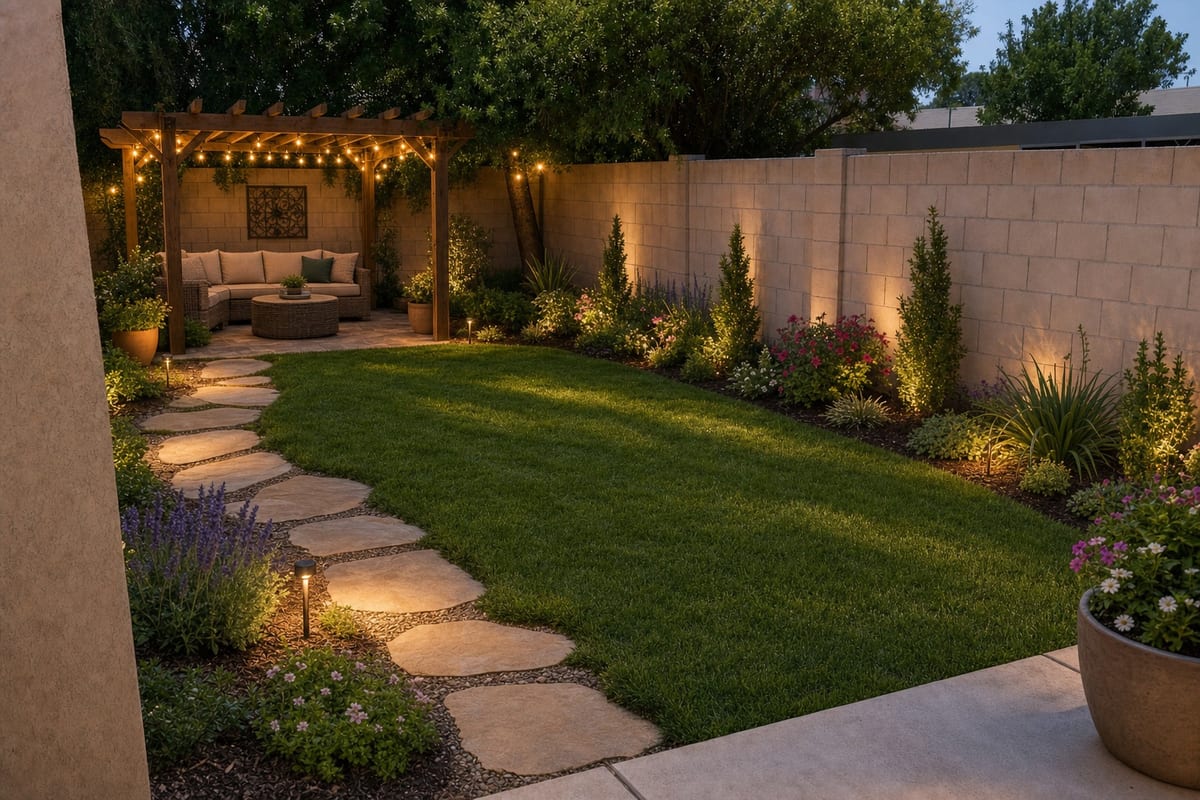
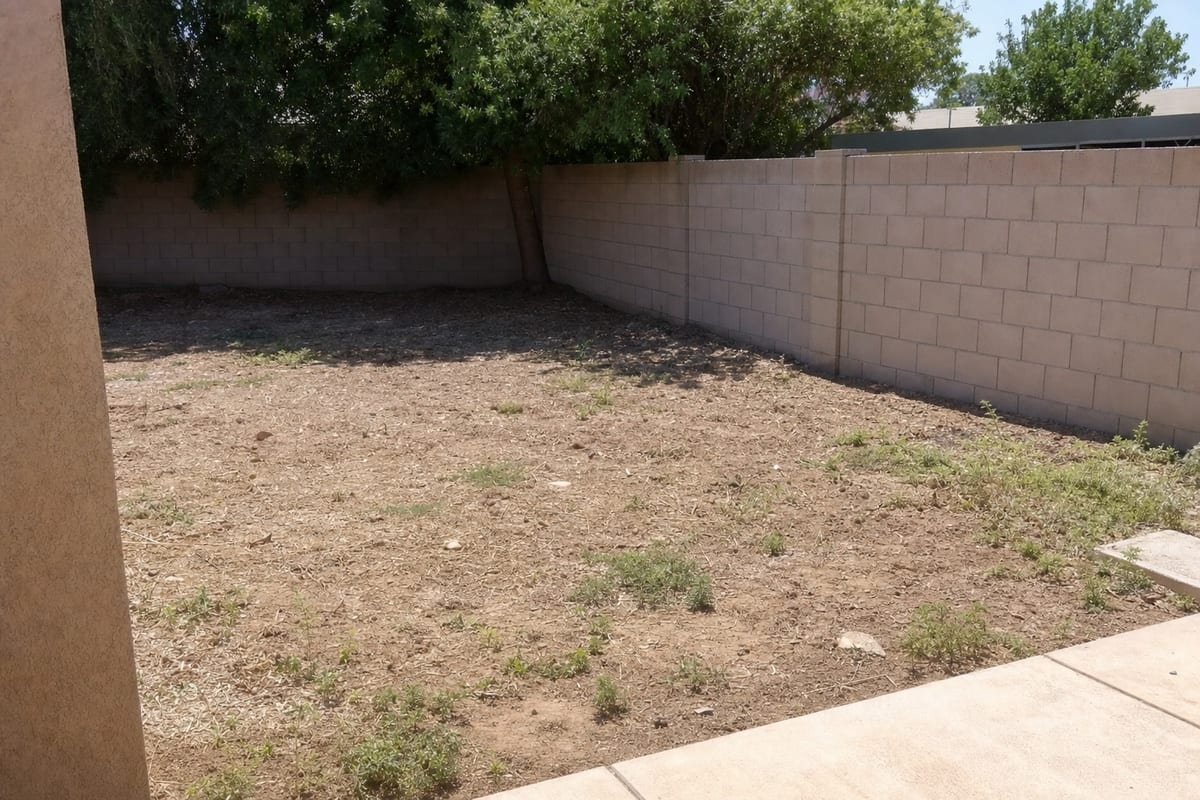
Visualize
AfterBefore
⇔
AfterBefore

A neglected yard becomes a dream garden: see the renovation before you spend a cent
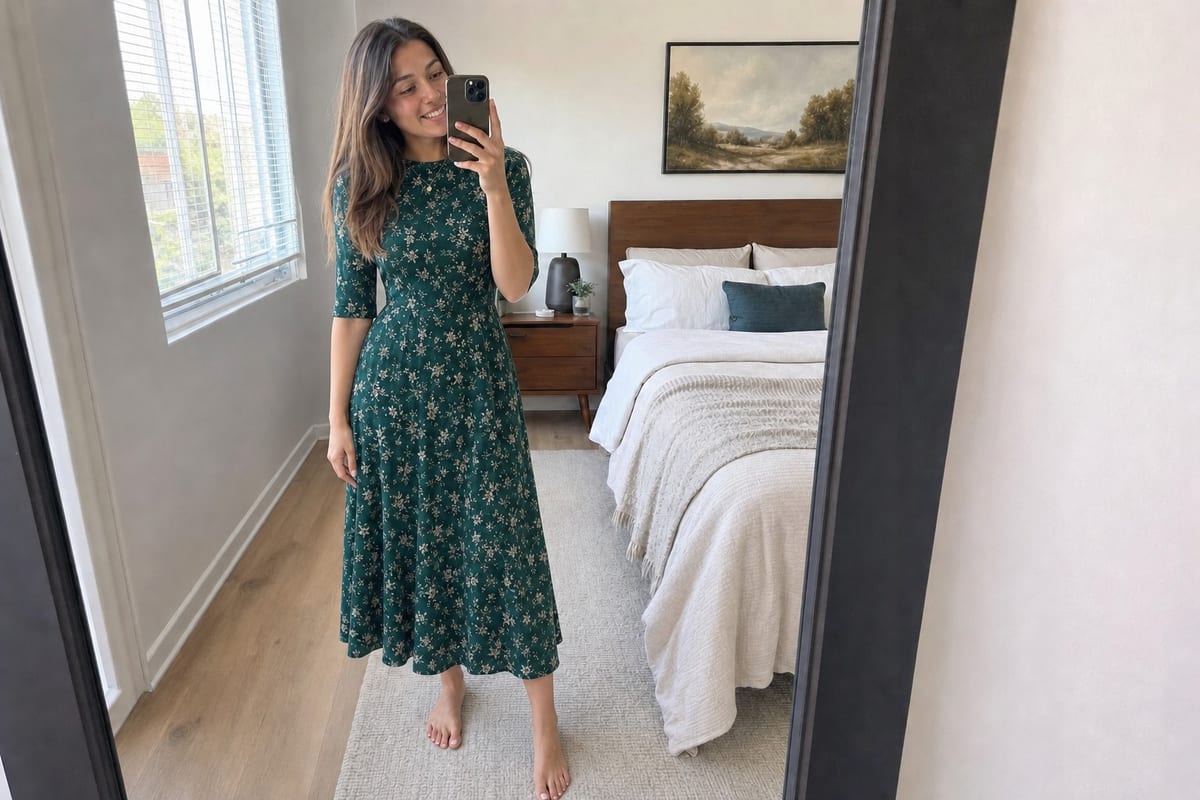
Try on clothes
AfterBefore
⇔
AfterBefore

Try on a new outfit without getting changed: the dress goes onto the photo, while the face and the room are kept
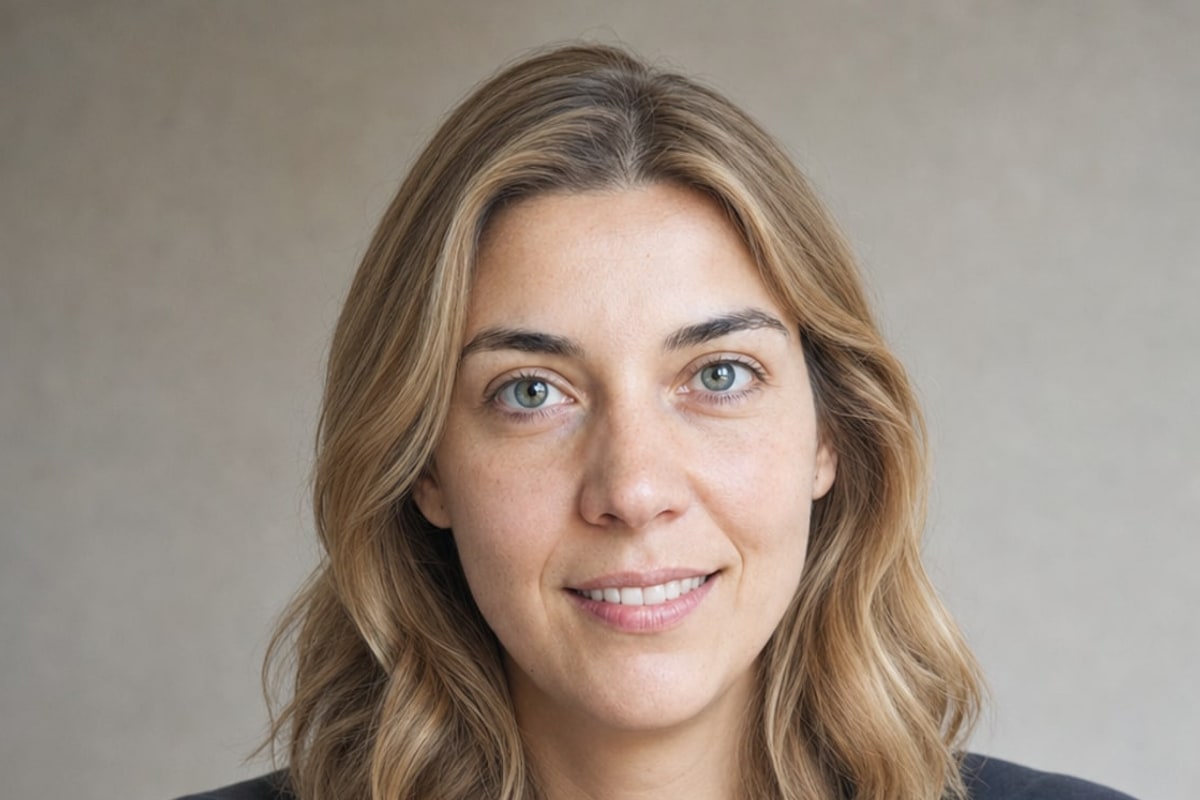
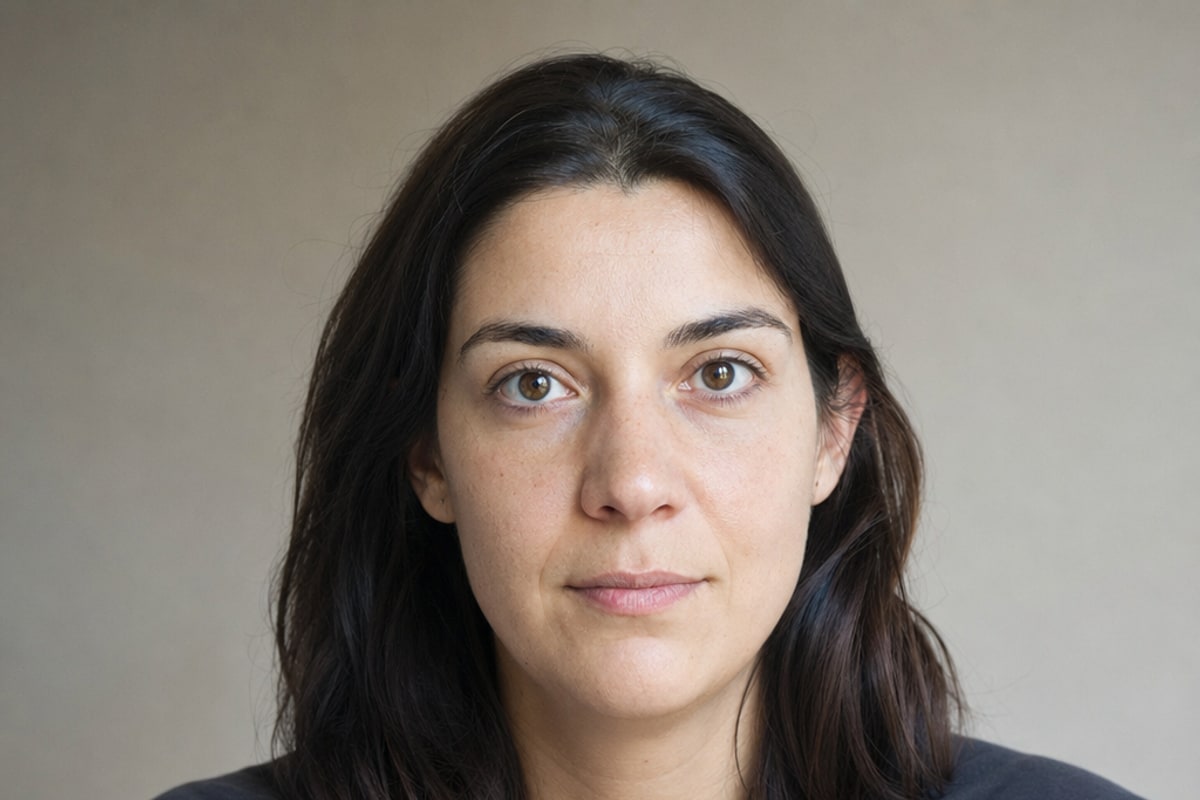
Facial featuresSoon
AfterBefore
⇔
AfterBefore

Pick one face in the photo and change the hair, eyes, smile and features. Still recognizably the same person, just different

NewCreate

A whole ad agency.
Inside the app.

Write one sentence about your business and get a post, story, banner or cover with a creative idea, text that is checked letter by letter and your colors. No designer, no templates.

The brief:

"Make me a Facebook cover for my pest control business, 15 years of experience, serving the whole metro area"

A work boot about to step on a cockroach by a front door: a Facebook cover for a pest control business
What they got: a Facebook cover with an idea nobody asked for, and everyone remembers
One sentenceis the whole brief
4 formatsin one design
No designerand no design skills

A few more things made with Create

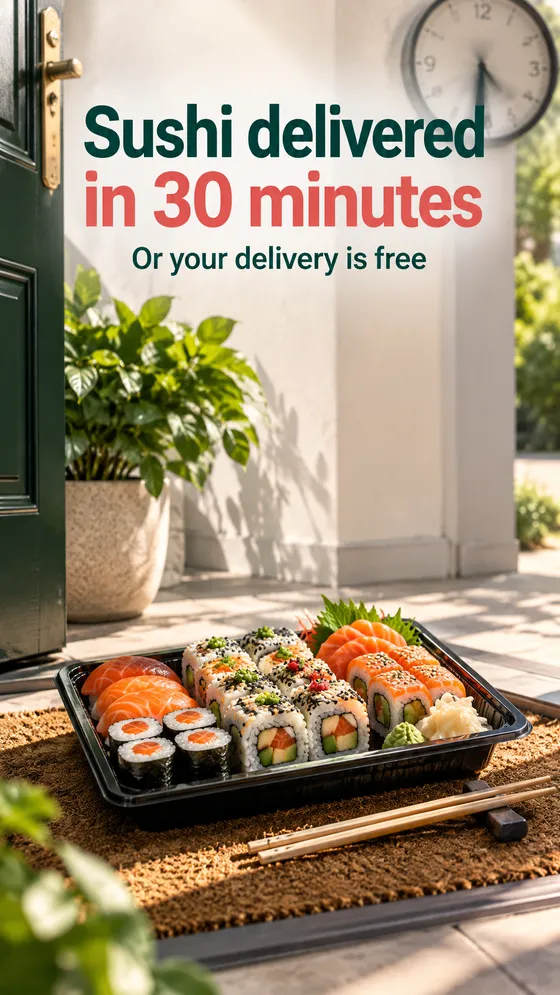
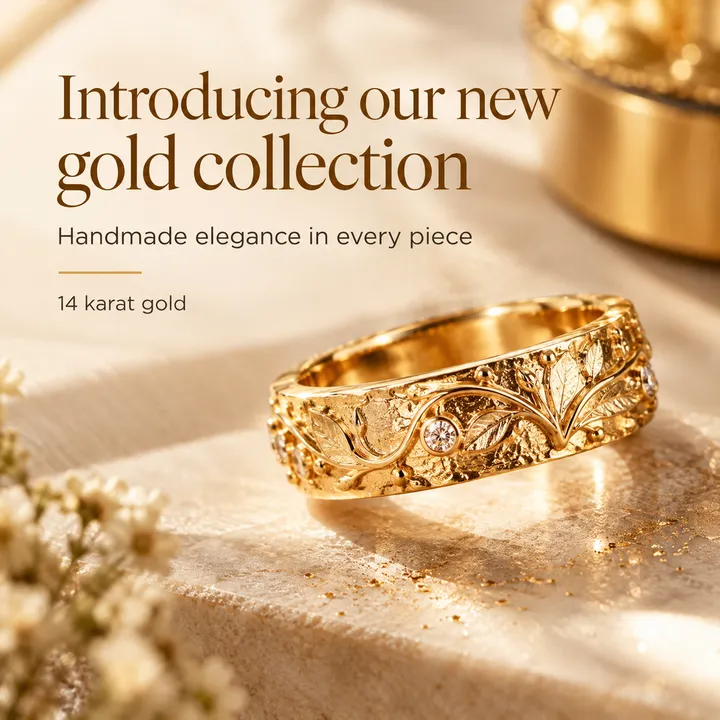
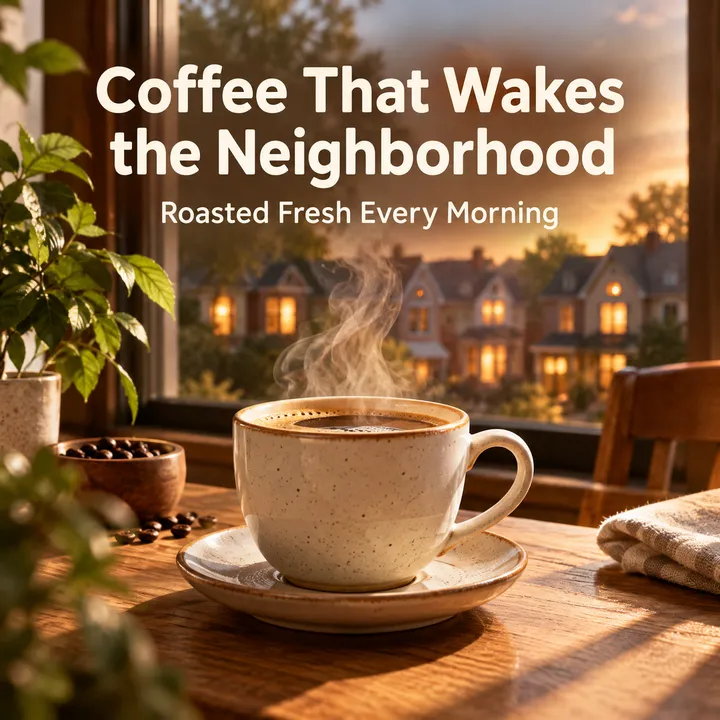
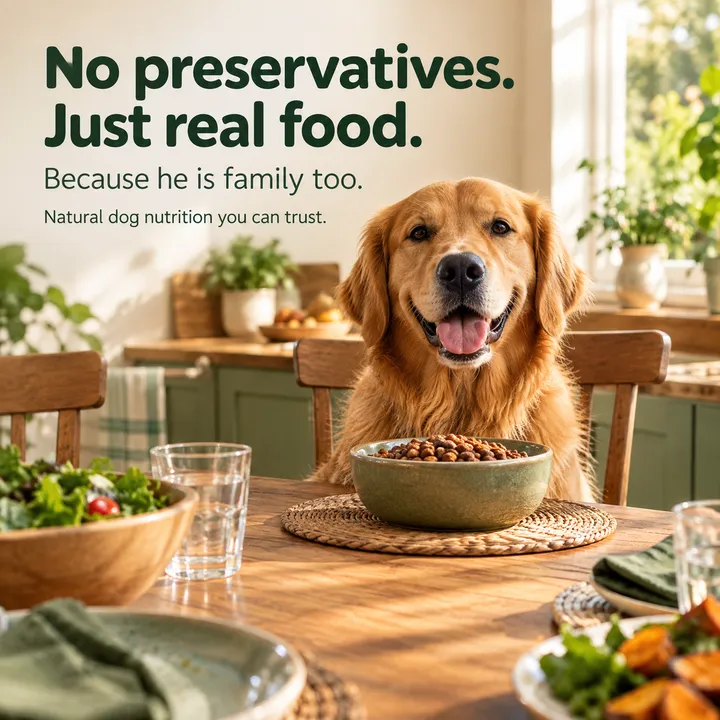
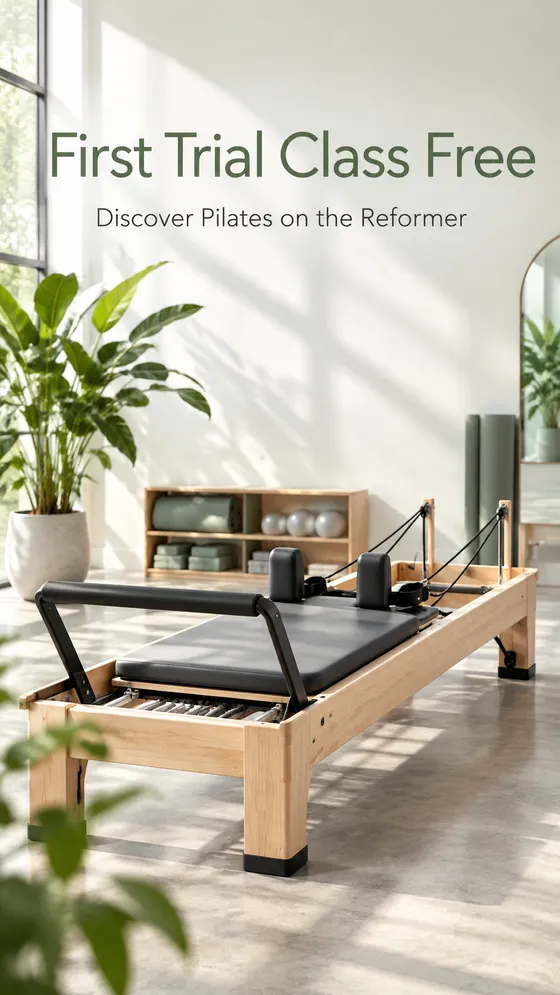
Each one was made from a one-sentence brief. Write yours in English or any other language.
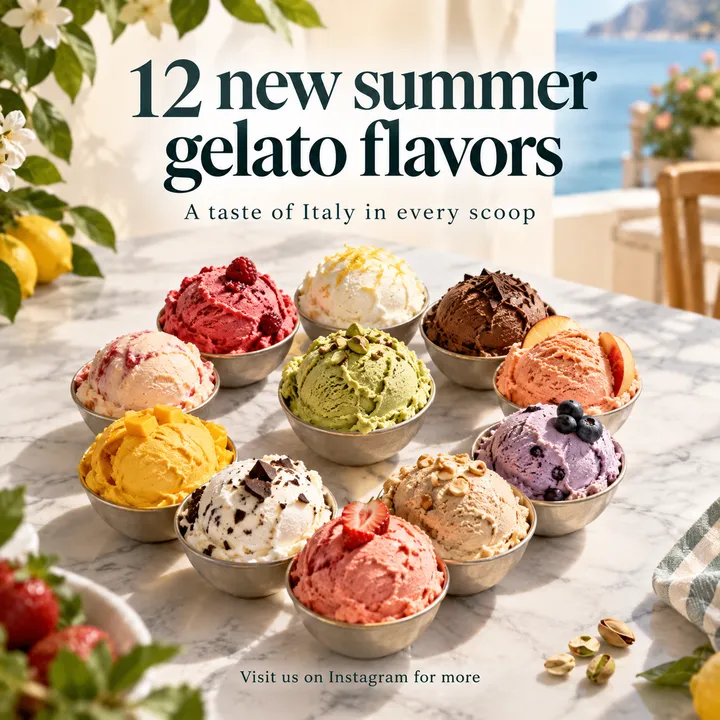
An idea, not a templateEvery request gets its own ad concept, or a clean, precise design if you prefer
Text checked letter by letterEvery graphic is read back and compared letter by letter, and redrawn when a word comes out wrong
Every size in one clickPost, story, website banner and Facebook cover, all in the same design
Your brandingPaste your website address, and the colors and style follow your business

Your business is next.

I want graphics like theseIncluded with every credit pack and the Business plan
4 steps to a great photo

How does it work?

1
📤

Upload a photo

2
🎯

Pick a tool

3
✏️

Type what to change

4
✨

Get the result

Why us?

Unique technology
we built just for you

Generic tools draw a new picture that only looks like yours. We edit your actual photo, and preserve its faces, its background and its quality

Our technology

Face lock

Unique technology built to preserve the facial features of the people in your photo, so the result stays true to the original.

Our edge

Original resolution, every time

Every edit comes back to you at the original resolution and the highest quality, automatically.

Maximum precision

Surgical editing

The system focuses on what you asked to change and keeps the rest of the photo as close to the original as possible.

Simplicity

One tap, one result

No layers and no tutorials: type what you want, in any language, and the edit is done for you.

Real people

Human support

A real person answers your email, not a bot. When a photo needs more, a real graphic designer can be reached from inside the app.

Independence

Edit it yourself

No more posting a photo to a group and waiting for a stranger to edit it. Here you edit it yourself, whenever you want.

Any language

Type in any language

The app is in English, and the tools understand requests in Spanish, Arabic, Russian or any language you think in.

For everyone

Easy for everyone, seniors included

Simple and clear, so even grandma manages on her own: big buttons and not a single technical term.

Good value

Pay once, or pick a plan

One-time credit packs with no subscription, or 100 edits a month on the Full access plan, priced in your local currency by your app store.

At a glance
NeedPSAi💙 Ours
ChatGPT
Gemini
Midjourney
High output quality
Available 24/7
Creative generation from free text
One-tap old photo restoration
A real graphic designer on call
Returns your photo at its original size
Preset tools, no prompt writing needed
Human support, not a bot
Graphic text checked letter by letter
Free version to try

Choosing between photo apps? See the best AI photo editor apps for iPhone, with US App Store prices and the iOS version each one needs. On Android too? See our AI photo editor app comparison for Android and iPhone.

Pricing

Pay once.
Or pick a monthly plan.

Credit packs or monthly plans, priced in your local currency by the App Store or Google Play. VIP starts with a 3-day free trial in the Android and iPhone apps in most countries. Cancel anytime.

One-time pack

Pay once
No subscription
  • Edits valid for a year
  • Every tool, Create included
  • Face lock
  • Instant download to your phone
⭐ Most popular

Full access

100 edits
per month · cancel anytime
  • Every popular editing tool
  • High-quality downloads
  • Face lock
  • Create is not included
💎 Best value

VIP access

120 edits
per month · 3-day free trial in the apps
  • Everything in Full access
  • The advanced editing tools
  • Fast human support
  • Early access to new tools
  • Create is not included
🚀 New

Business plan

200 edits
per month · cancel anytime
  • Everything in Full access and VIP
  • Full Create: business graphics, website banners and social posts
  • Automatic resizing to every format
  • Branding picked up from your business page or website

Not into subscriptions? Get a one-time pack

Pay once. Your edits work on every tool, Create included, and stay valid for a full year

* Full access includes 100 edits a month (VIP 120, Business 200). Prices are set by the App Store or Google Play in your local currency. Plans renew automatically every month at the full monthly price unless cancelled first. Cancel anytime from your App Store or Google Play subscriptions.

FAQ

Got questions?
We've got answers

Not at all. Upload a photo, pick a tool and type what you want in plain words, in any language, and the system does the rest. No layers, no masks and no YouTube tutorials.

The system detects the faces in your photo and works to preserve the original facial features throughout the edit, so grandpa stays grandpa and not "someone who looks like him". Good to know: every edit is AI processing, so results can vary from one edit to the next, and you can always try again.

The result comes back at the dimensions of your original photo and at the highest quality the processing engine allows, without the automatic downscaling other tools apply.

It depends on the tool and the photo. You can leave the app and get a notification when the result is ready.

JPG, PNG, WebP and HEIC (iPhone photos) are supported. Pick a photo straight from your gallery.

Results are saved in your gallery in the app. To make the edit, your photos are sent for processing to the AI providers that power the system (full details in the privacy policy). You can delete your account and all your photos from inside the app.

Generic tools generate a new image that only looks like yours: the faces change, the background changes and the quality drops. Our system focuses on the edit itself: it works to change only what you asked for and to keep the faces, background and quality as close to the original as possible. The app is in English, and you can type your request in any language.

NeedPS is free to download, and edits are paid. You can try it free: in most countries the Android and iPhone apps offer new subscribers a 3-day free trial of the VIP plan, with up to 5 edits a day. Cancel in Google Play or the App Store before it ends and you pay nothing; otherwise it renews monthly. You choose: Full access with 100 edits a month, VIP access with 120 edits, the premium tools and human support, or one-time credit packs with no subscription at all. Prices are set by the App Store or Google Play in your local currency. Plans renew automatically every month unless you cancel first, and you can cancel anytime.

Every edit is AI processing, so results can vary, and a more precise description usually makes all the difference. If something still isn't working, our email support is answered by a real person, not a bot, and a real graphic designer can be reached from inside the app.

Ready to try it?

Try it free for 3 days, or buy a one-time pack
Download the app
and start editing like a pro

Download on the App StoreGet it on Google PlayDownload from the Microsoft Store
🔒No subscription needed
🪄No technical skills
🌍Type in any language