Change the background, clothes or colors in a photo by typing
General edit is the most open tool in NeedPS: upload a photo and type what should change. "Make the car red." "Put her in a green dress." "Swap the background for a beach at sunset." The AI applies the change and aims to leave everything you did not mention as it was.
There are no layers, masks or menus to learn. One sentence is one edit, and each result can be the starting point for the next change, so you build up a photo step by step.
Common uses: changing a photo background (a plain white backdrop for a document, a studio look for a product, a new scene for a portrait), changing the color of a car, a wall or a piece of clothing, and trying a different outfit on a photo you already have.


Last updated: October 7, 2026
See the difference
Drag the slider to compare the same photo before and after. Example photos created by the NeedPS team.
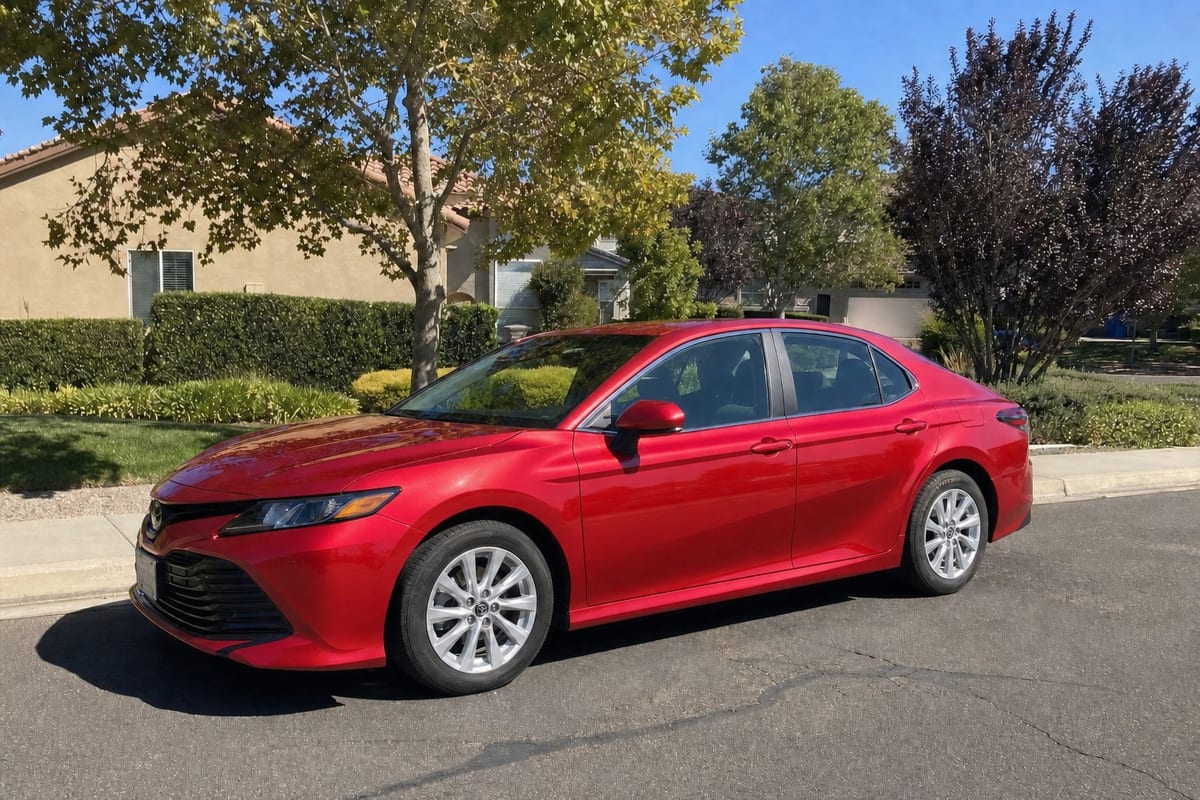
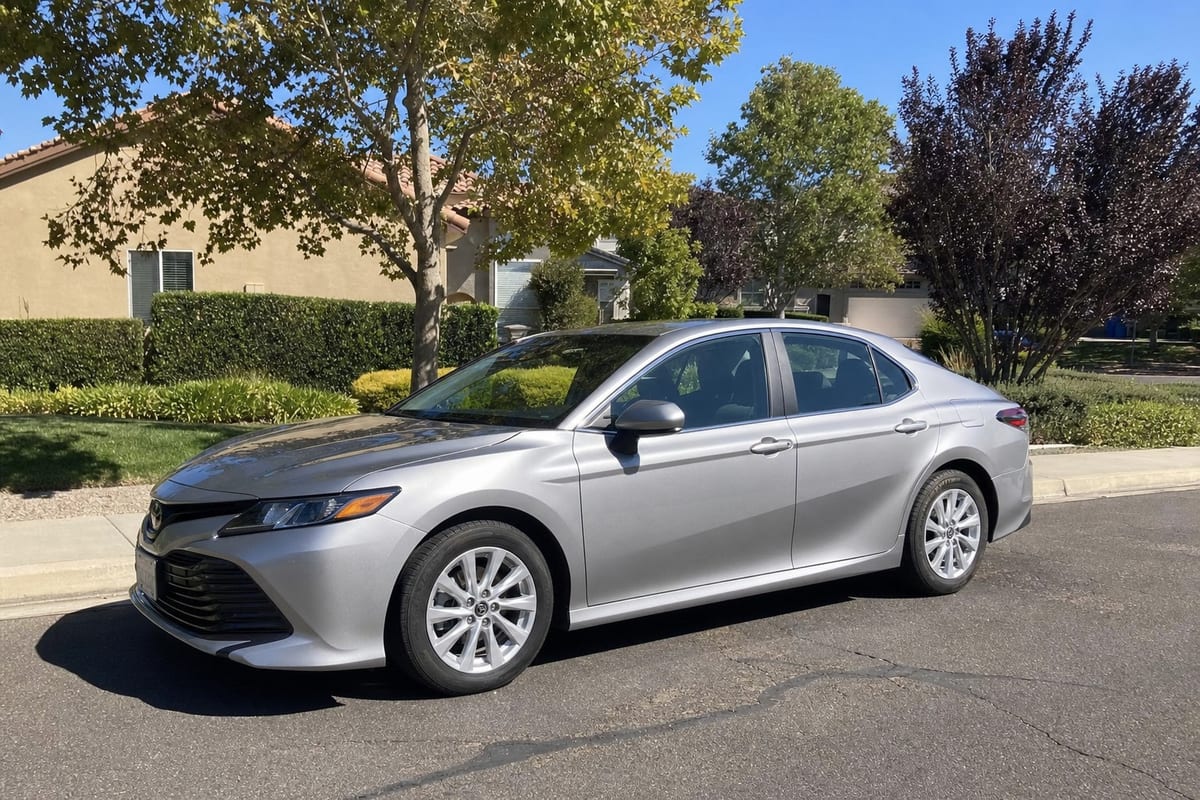
Before and after: real results
Drag the slider to compare. Example photos created by the NeedPS team.
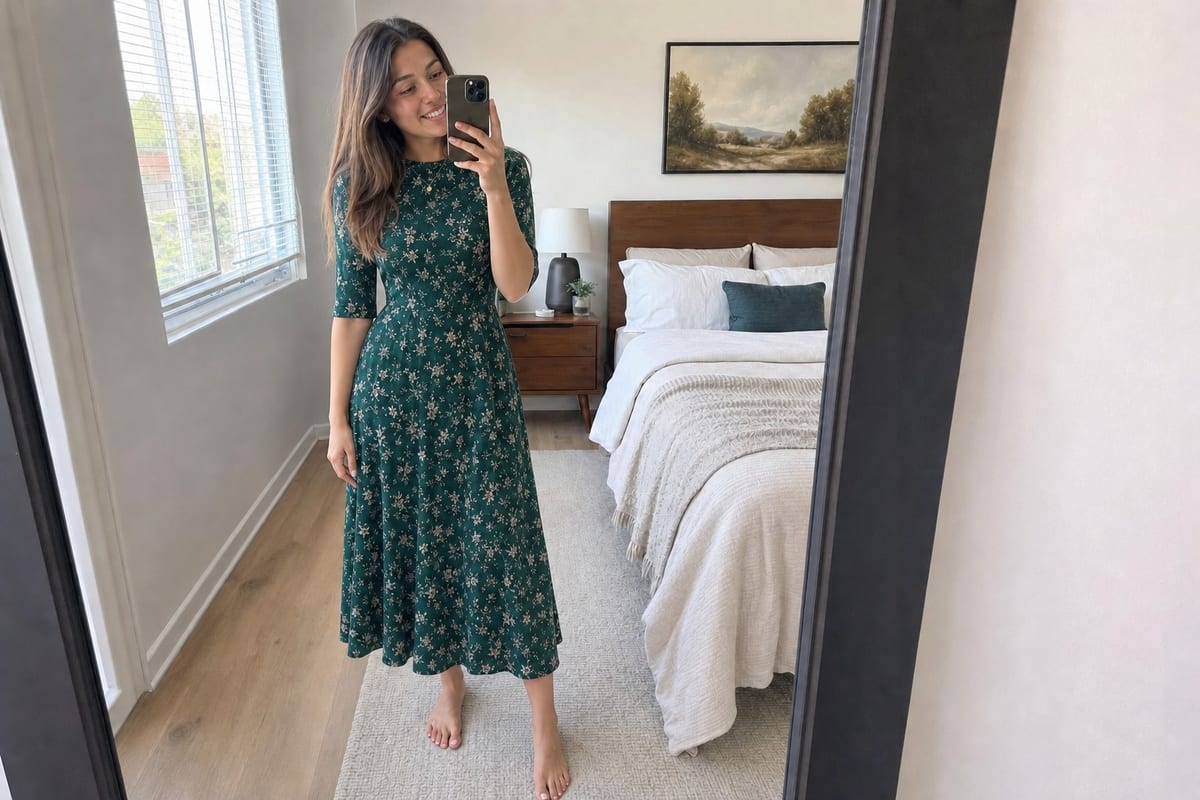
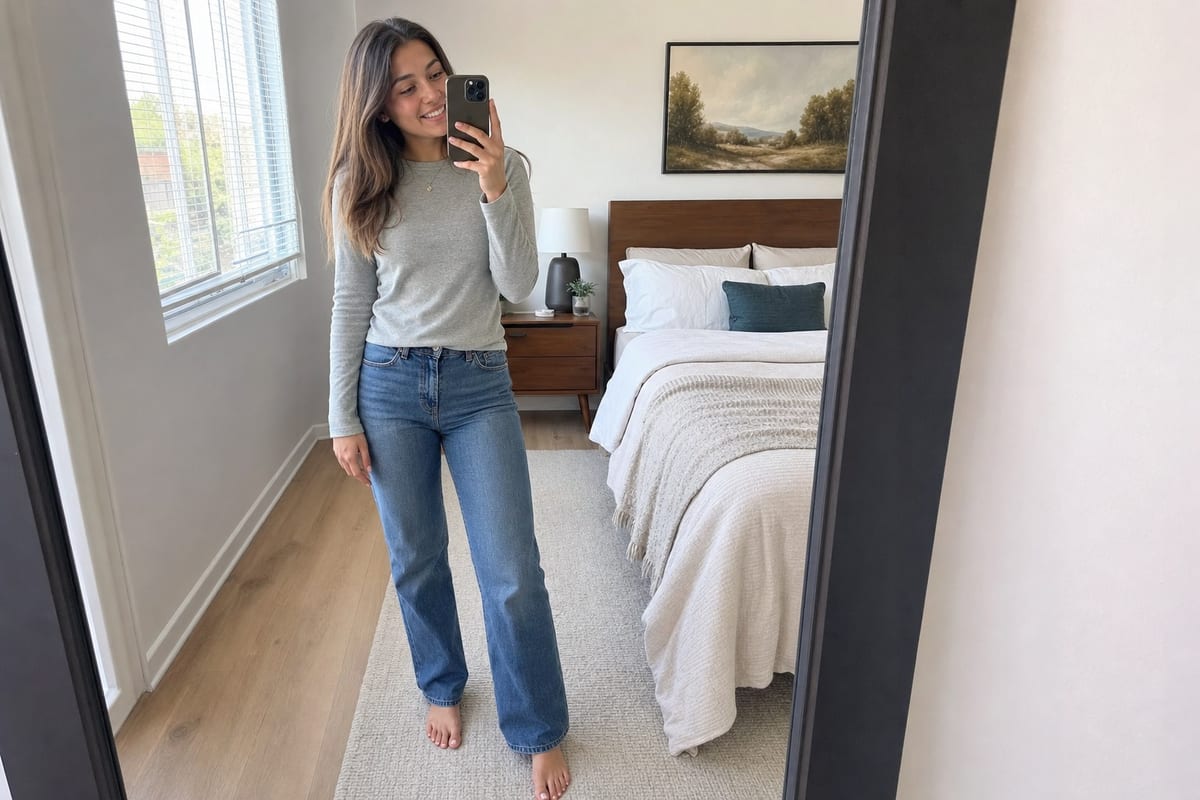
Outfit change: "put her in a green dress". Her face, pose and the room are kept.
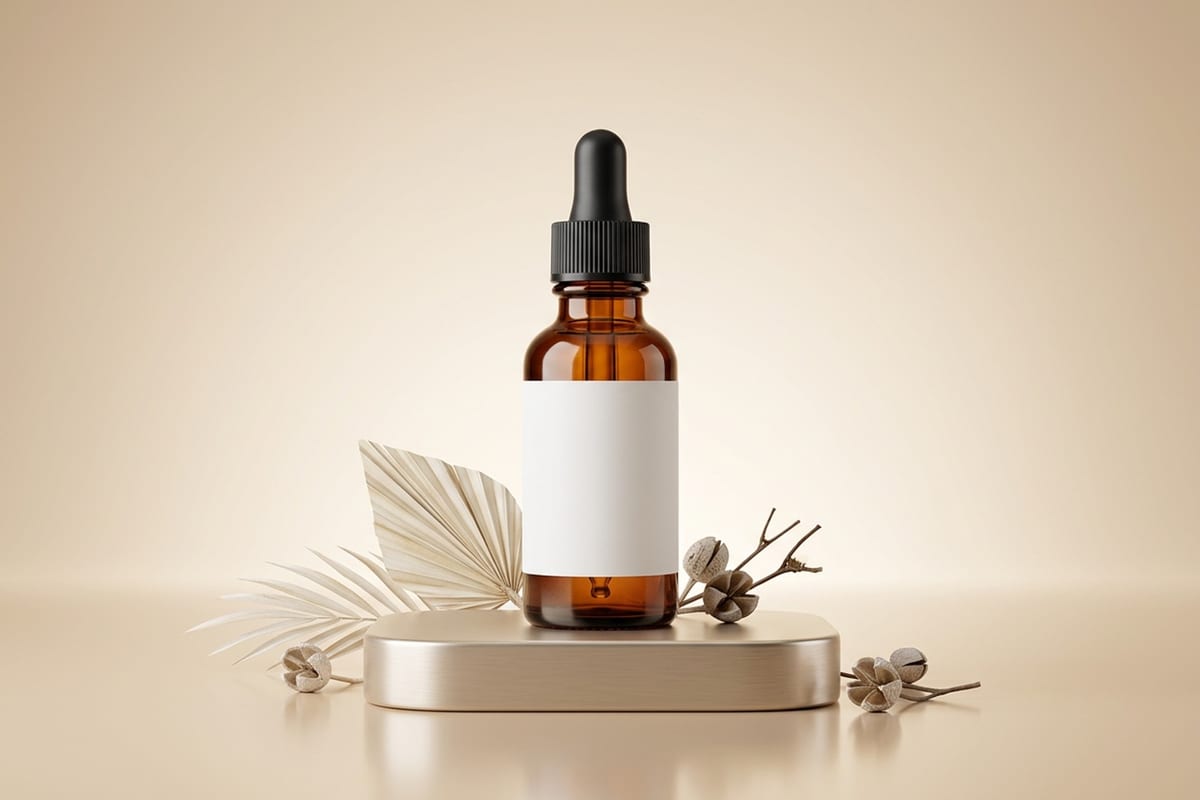
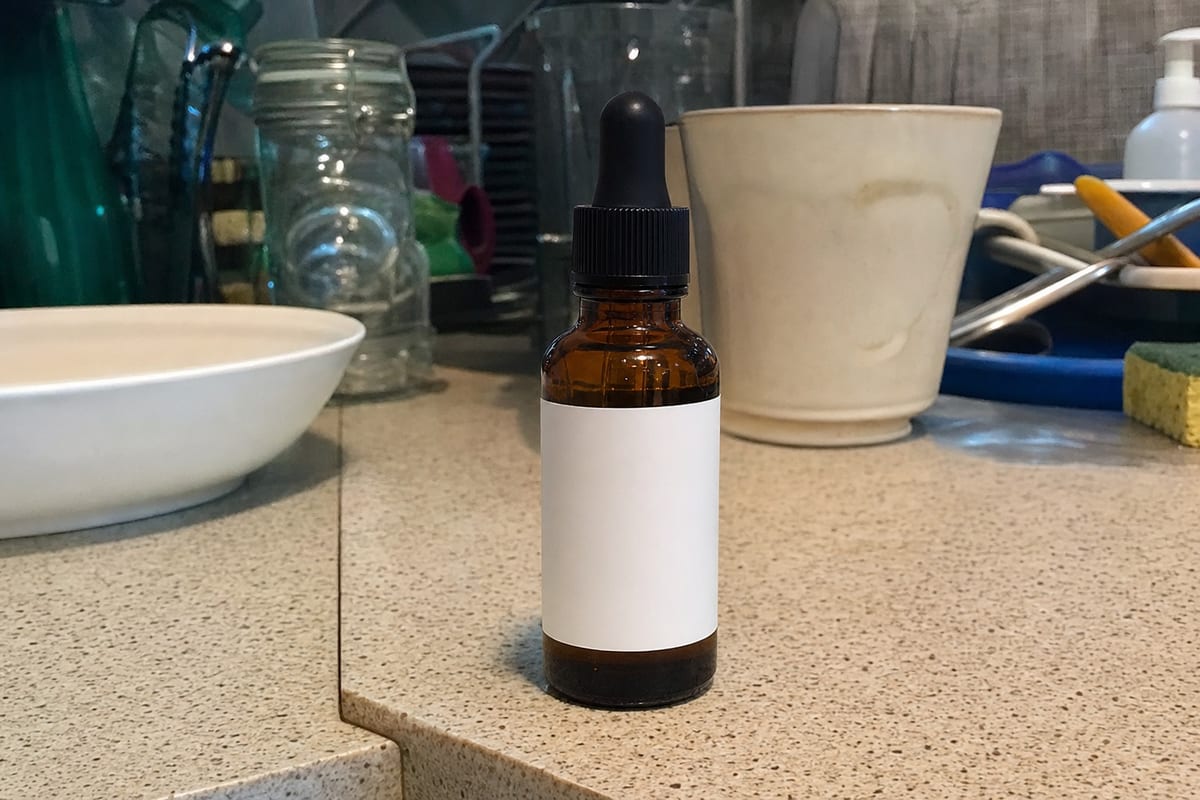
Product photo: "put the bottle on a podium with a studio background". From kitchen counter to catalog in one sentence.
How it works in 3 steps
- 1
Upload a photo
A portrait, a product, a car, a room or an everyday shot.
- 2
Type what to change
"Make the car red", "swap the shirt for a dress", "use a studio background". Any language works.
- 3
Get the new version
Keep going, one change after another. Every result is saved as a step.
What you get
- Change the color of a car, wall, garment or any object
- Swap outfits and accessories by describing them
- Replace the background: studio, landscape or a plain color
- Great for product photos, profile pictures and social content
- Chain edits: each result is the base for the next
Frequently asked questions
What can I change in a photo by typing?
Almost anything you can put into words: the color of a car or wall, an item of clothing, the background, the lighting, the season or time of day, or an object you want swapped. Only what you describe is meant to change.
How do I change the background of a photo?
Type what you want instead of the current background, for example "replace the background with plain white" or "put me on a beach". The background is swapped and the light on the subject is adjusted to fit.
Can I change clothes in a photo with AI?
Yes. Type something like "put her in a green dress" and the outfit changes while the face and pose are kept. NeedPS also has a try-on tool where you upload a photo of a garment and see it on the person in your picture.
How do I change the color of something in a photo?
Upload the photo and type, for example, "make the car red" or "paint the wall olive green". The change is aimed at that item only, with the same light and reflections.
Will the rest of the photo change?
The tool aims to change only what you asked for. AI results can vary, so if something else shifted, run it again or make the request more specific.
How many changes can I make to one photo?
You can keep going on the same photo. One change at a time works best: every result is saved and becomes the base for the next edit.
Is it free to try?
Yes. You can try NeedPS without an account, and signing up adds free edits. Free edits work on every tool. After that you can buy credit packs or choose a plan in the app, priced by your app store in your local currency.
Ready to try it on your own photo?
Download NeedPS, upload a photo and type what you want. Stuck? Real people answer support.