Type one sentence. Get a flyer, post or banner with every word checked.
Create is the NeedPS graphic maker. Write one sentence about your business and what you want to say, for example "Grand opening this Saturday, free coffee for the first 50 customers", and get a finished design with the text already in it: a social post, a story, a website banner, a Facebook cover or a popup.
Text is where most AI image tools stumble. Image models draw letters as shapes instead of typing them, so words often come back with missing or swapped letters. NeedPS reads every finished graphic back letter by letter, compares it with the text you asked for, and redraws it when a word comes out wrong. It is still worth one last read before you print.
Get the same design in several sizes from one request, add your logo and product photos, and paste your website address so the colors and style match your brand. For anything outside the presets, such as a menu, a flyer, a price list or a business card, choose "Something else" and describe it.

Last updated: October 7, 2026
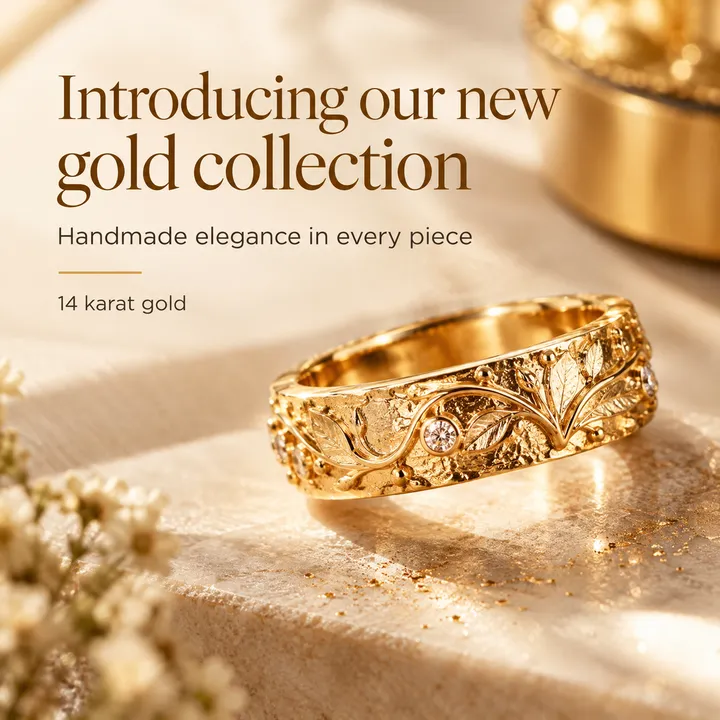
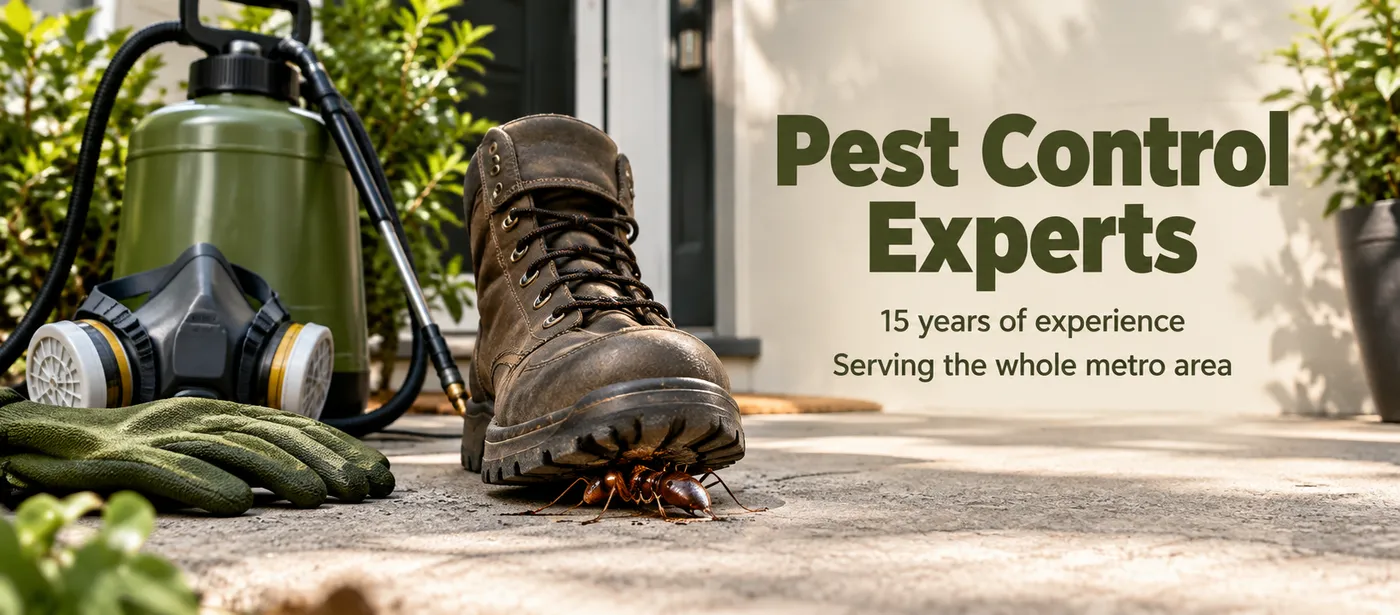
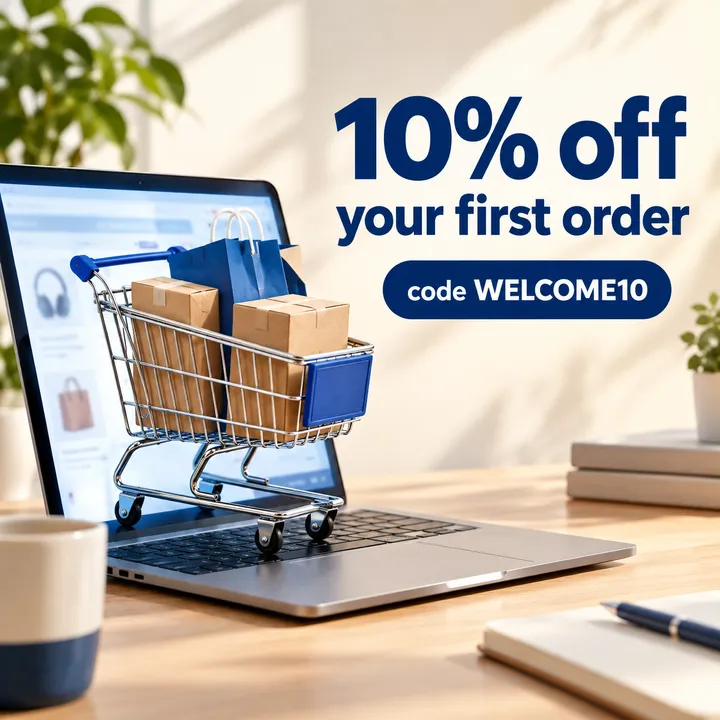
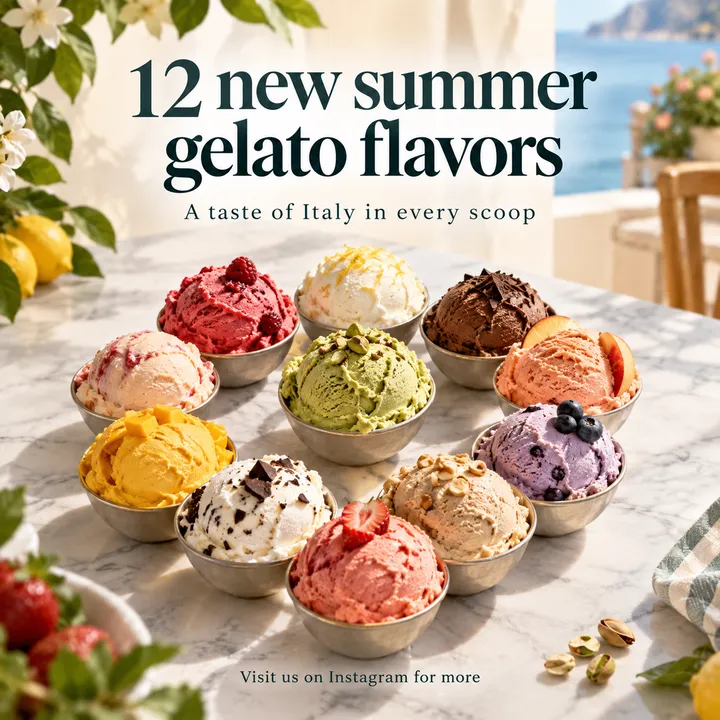
Real results from the tool
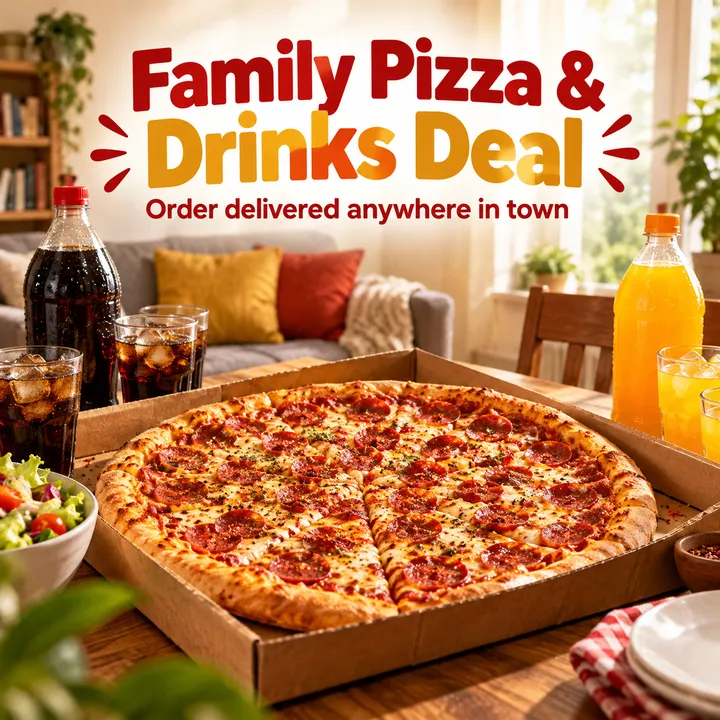
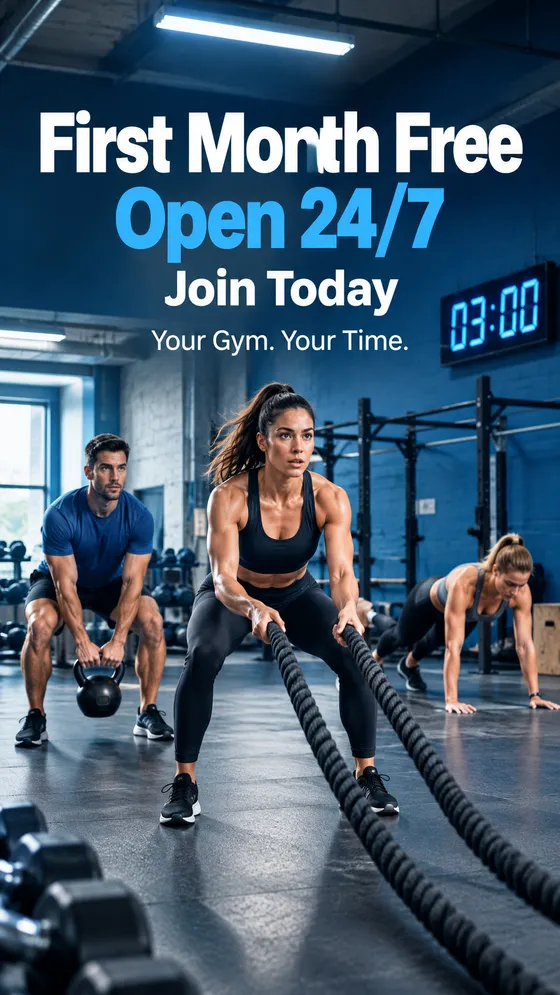
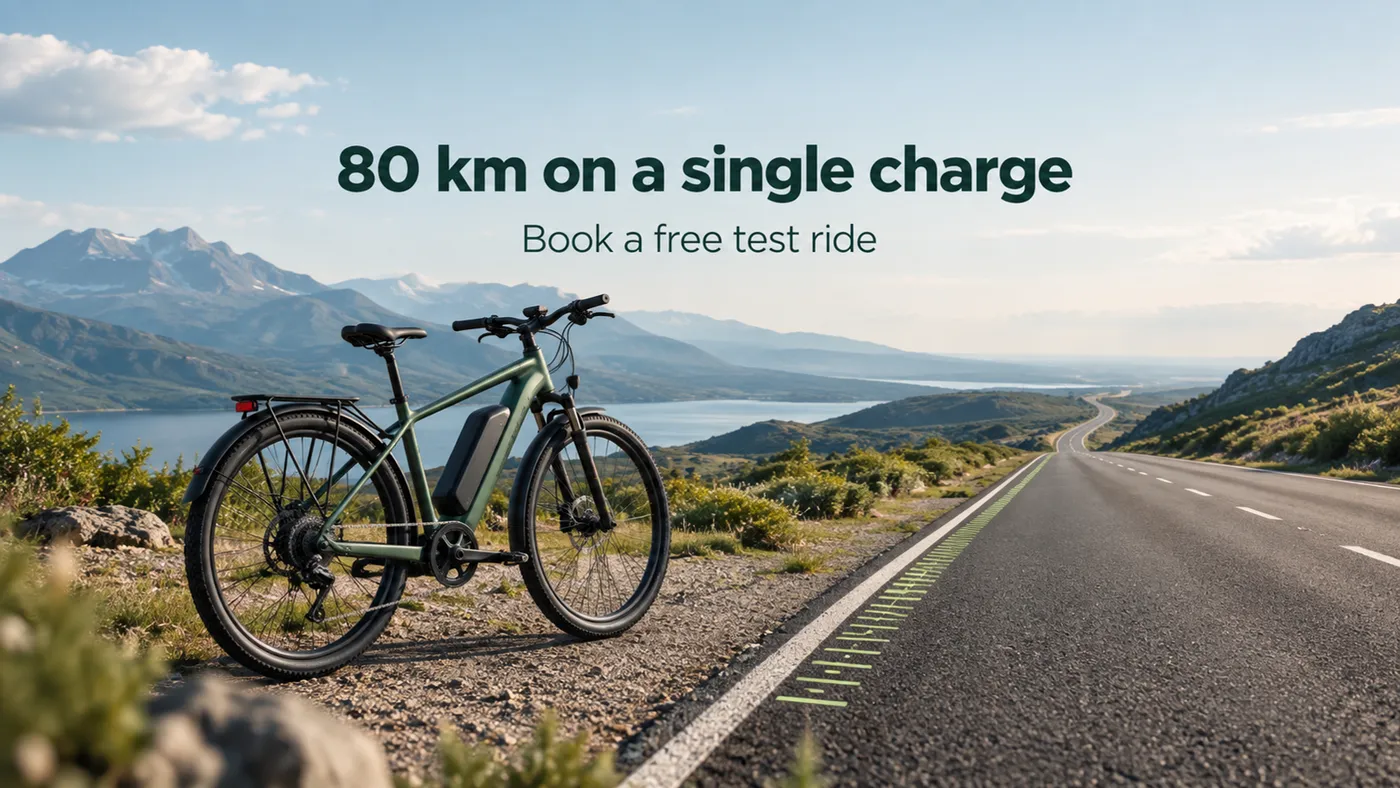
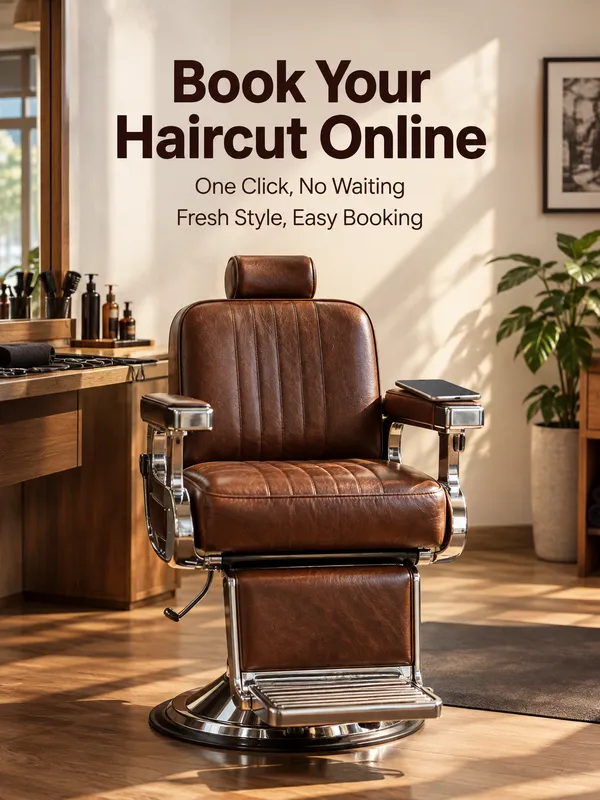
Each of these was made from a one-sentence brief in English, and its text was read back letter by letter. You can write your brief in English or in another language.
How it works in 3 steps
- 1
Choose what you need
Post and story, website banner, popup, or "Something else" for menus, flyers and anything not on the list.
- 2
Write what it should say
"Buy one get one free on all gelato until the end of the month." Add your logo, product photos and website address if you like.
- 3
Get every size
Each graphic is read back letter by letter and redrawn when a word comes out wrong, then it is ready to download in every size you picked.
What you get
- Text is read back letter by letter and redrawn when a word comes out wrong
- Post, story, banner and cover in one matching design
- An ad idea for every brief, not a template everyone uses
- Matches your brand colors from your website
- No design skills needed, straight from your phone
Frequently asked questions
Can AI make a flyer with correct text?
Image models often misspell words because they draw letters rather than type them. Create reads each finished graphic back letter by letter and redraws it when a word comes out wrong. The number of redraws is limited, so a mistake can occasionally get through. Give names, dates and numbers a final check before printing.
What can I make with Create?
Square posts (1080x1080), stories (1080x1920), Facebook covers, website banners for desktop and mobile, and 1200x1200 popups. Choose "Something else" for menus, flyers, price lists, signs or business cards.
Can I get the same design in different sizes?
Yes, and it is one of the main reasons to use it. Tick every size you need and they are created in one matching design from the same request.
Will it match my brand?
Paste your website address and the colors and style are matched to what you already use. You can also add your logo and product photos.
Can I write my brief in Spanish or another language?
Yes. Write it in the language your customers read. The app's menus are in English. As with any graphic, proofread the final text before you print it.
Can I try Create for free?
Yes. Free edits for guests and new sign-ups work on Create too. After that, Create is available with credit packs and with the plan that includes it. It is not part of every plan, so check the plan details in the app.
Do I need design skills?
No. Write what your business does and what you want to say. The concept, colors, fonts and layout are chosen for you.
Ready to try it on your own photo?
Download NeedPS, upload a photo and type what you want. Stuck? Real people answer support.